You need to have Java and Qshell installed on your IBM i:
- Java
https://www.ibm.com/support/knowledgecenter/en/ssw_ibm_i_71/rzaha/rzahainstalljdk.htm
- Qshell
http://www-01.ibm.com/support/docview.wss?uid=nas8N1014643
You can easily check if Qshell is installed by attempting to start it up.
Type the following command on the main menu prompt:
QSH
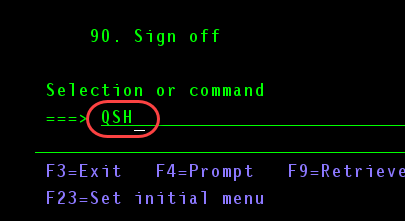
If Qshell is installed, it should start and you should see the following screen:
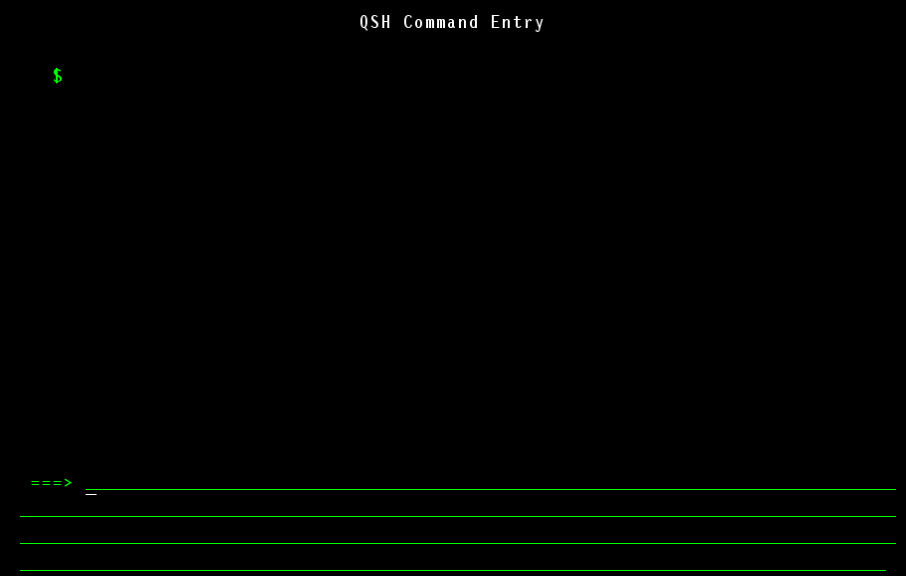
To check if Java is installed, run the following command in Qshell:
java -version
You should see an output like this:

Next: Downloading Tomcat