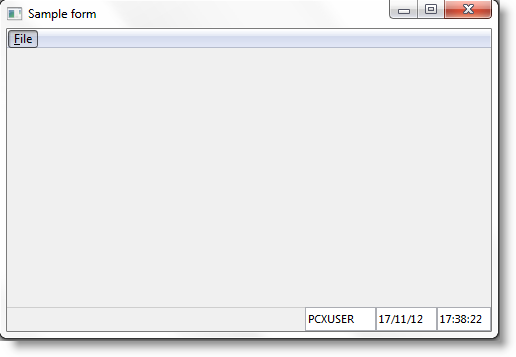
Any changes you make to the ancestor are immediately reflected in the form that inherits from it.
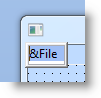
1. To see how this works, add accelerator keys (using an &) to the menu options in the ancestor form #EOEXAM01:
2. Compile the ancestor #EOEXAM01.
3. Next display the inheriting form #EOEXAM02. Notice that the menu accelerator keys are visible. Execute it. The accelerator keys are visible also at run-time (press Alt to see them). Note that the changes in the inheriting form are visible immediately, there is no need to recompile it.