Launch Qshell (using QSH command), and go into <your-tomcat-root>/bin folder (using CD command).

Run the following command (in Qshell) to make sure the script files are runnable:
chmod a+x *.sh

Run the following command (in Qshell) to start Tomcat:
./startup.sh

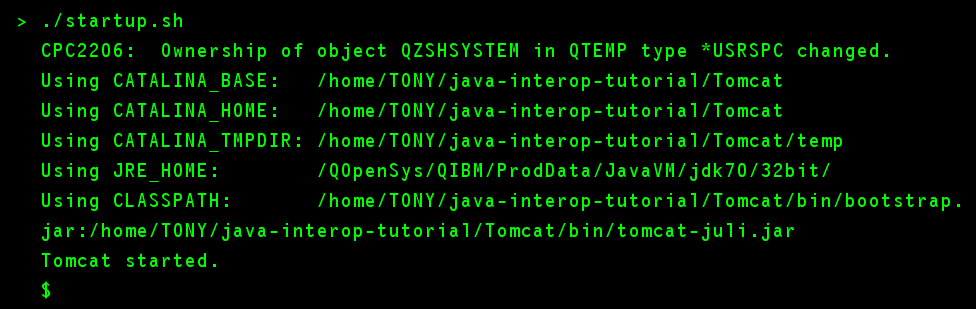
If Tomcat starts successfully, you should see something like this:
To shutdown Tomcat, run the following command (in Qshell):
./shutdown.sh
In a later section, you will learn how you can start Tomcat in batch mode, so you can (for example) schedule Tomcat to start automatically after your IBM i starts.