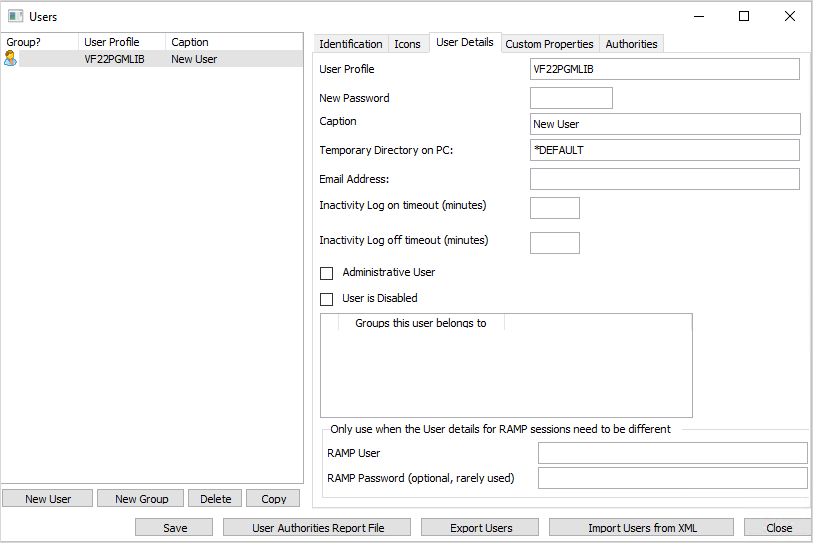
This dialog box shows the users registered to use the Framework.
It provides an optional facility to help you define and manage your application's user profile definitions.
To switch on Framework authority checking, go to the Framework menu, choose the Properties... option and select the Framework Details tab. On this tab, the "Users, Authority and sign on settings" panel is where Framework authority is configured. For details, refer to Framework Details.
For more information, see Users, Groups and Security.