Objectives
- To create a small application, which searches the employee table by name, by start date, or by department code.
- To learn how to use the tab folder to display employee details and a list of notes.
- To show more examples using the SELECT command.
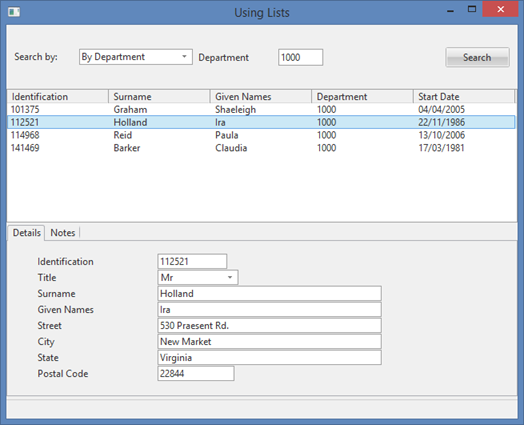
To achieve these objectives, you must complete the following:
Step 1. Create Form – Using Lists
Step 4. Add Tab Folder and Tab Sheets to the Form
Step 5. Populate the Tab Sheets
Before You Begin
You should have completed all preceding FRM exercises.
You must also have completed the Repository exercise, REP005, and REP010.