In this step, you will change the order of the columns on the Repository tab, resize and hide a column.
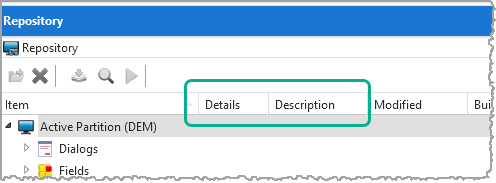
1. Click on the Details column heading and drag-and-drop it to the left of the Description column.
2. Right-click the column header area and deselect the Modified column in the context menu.
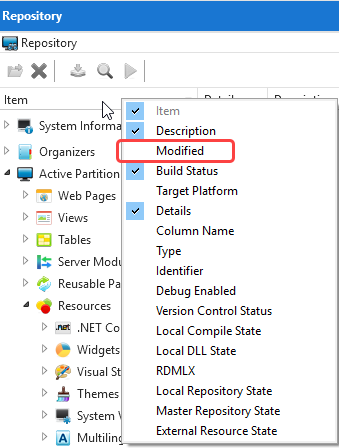
The Modified column is now hidden.
3 Right-click the column header area and select the Modified column again to make it appear. Drag the Modified column to the right of the Description column.
4. You can sort the repository objects by clicking on the column heading. Click on the Details column heading to sort the list by the field type.
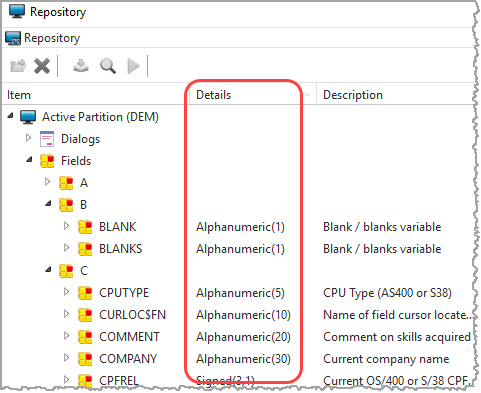
5. Click on the Item column heading to sort the fields alphabetically by Item again.
6. Reset Fields to Alphabetic Grouping again.
7. Close the Fields node.