There are two ways to register External Resources. Select the New option in the File menu, then External Resource and then you can either
- Choose External Resource and define it in the same way as you would define any other object
or
- Choose Bulk Loader option which will bring up the following dialog:
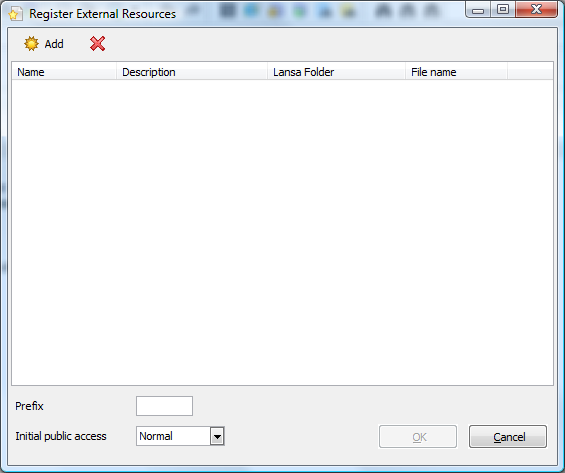
Use the Add button to select one or more files from your disk, or use Windows Explorer to drag and drop files into the Register External Resources dialog.
Provide a prefix to name them all and press the Create button. Note that LANSA detects what folders the files are in.