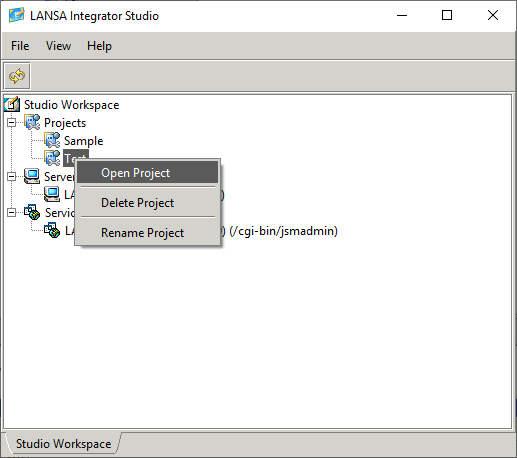
From the Studio Workspace panel select the project to open and double-click or use the pop-up menu to open the project.
A new panel containing the project is created and made the selected tab.
From the Studio Workspace panel select the project to open and double-click or use the pop-up menu to open the project.
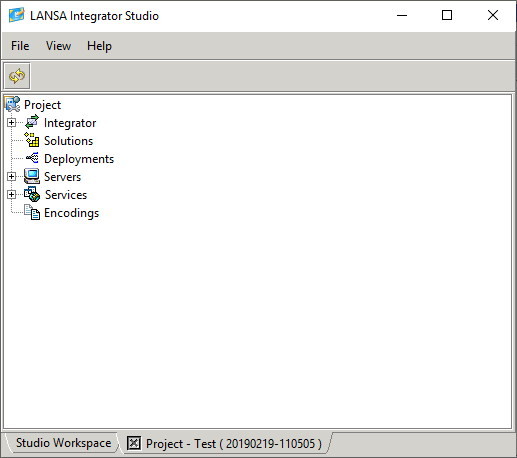
A new panel containing the project is created and made the selected tab.