Important Observations
- If you only have one host system to connect to, the Select Host dialog will not be shown. You will be logged in automatically.
- When a connection between the workstation and the host you have selected is established, the LANSA Client Main Window is displayed; otherwise, the LANSA Client Alternate Window is displayed.
LANSA Client Main Window:
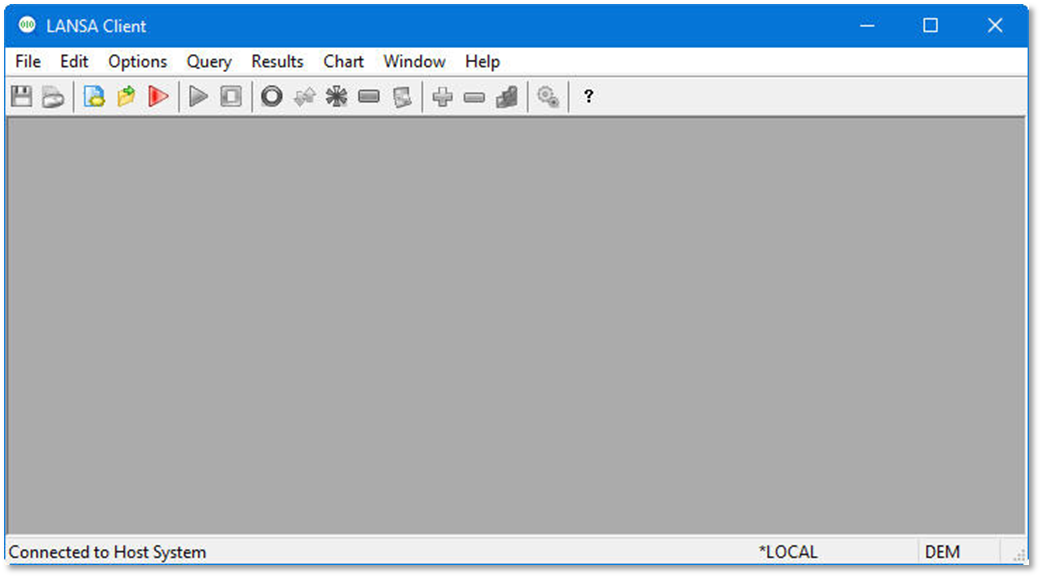
The LANSA Client main window is available when connected to the host.
LANSA Client Alternate Window
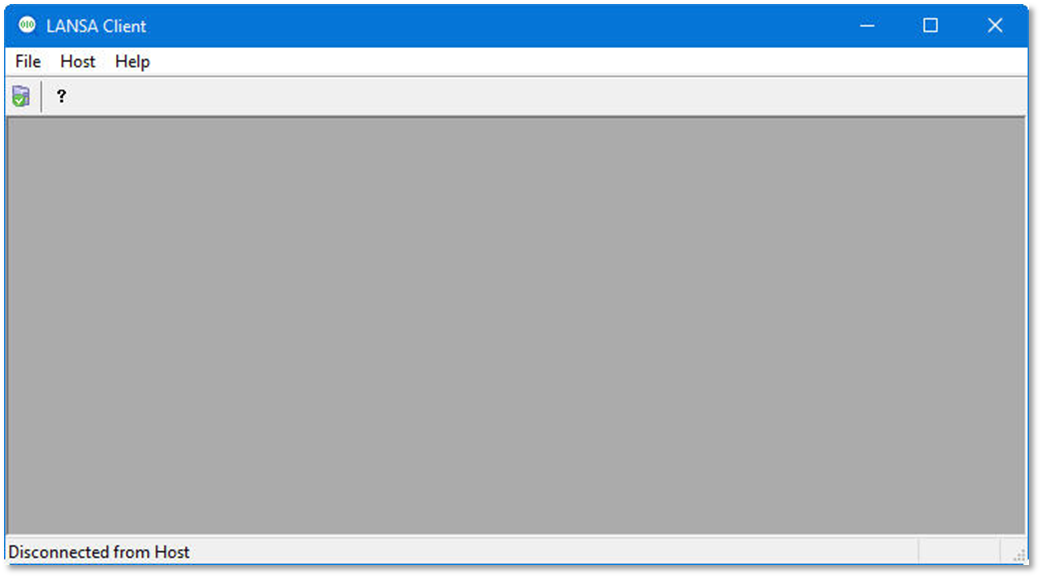
The LANSA Client alternate window is displayed when:
- LANSA Client cannot connect to the host system when it starts.
- You have disconnected from the host system you have been working with.
- You have clicked the Cancel button on the Host Select dialog box and put LANSA Client into a "disconnected" state.