1. Start Visual LANSA.
Log on to the partition being used for training, using your LANSA User ID as follows:
User ID: | PCXUSER |
Password: | PCXUSER |
Task ID: | PCXTASK |
Partition: | DEM |
2. Using the Tools ribbon, select the VLF-WIN Demonstration option in the VL Framework menu.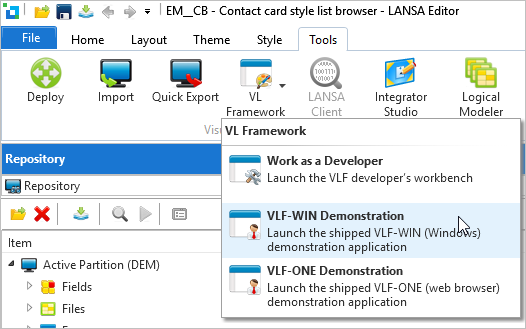
The Framework uses XML files to store the definition of your systems. The file vf_sy001_system_lastshipped.xml always contains the latest demonstration system.
Note that if you only have one Framework file, this dialog is not displayed.
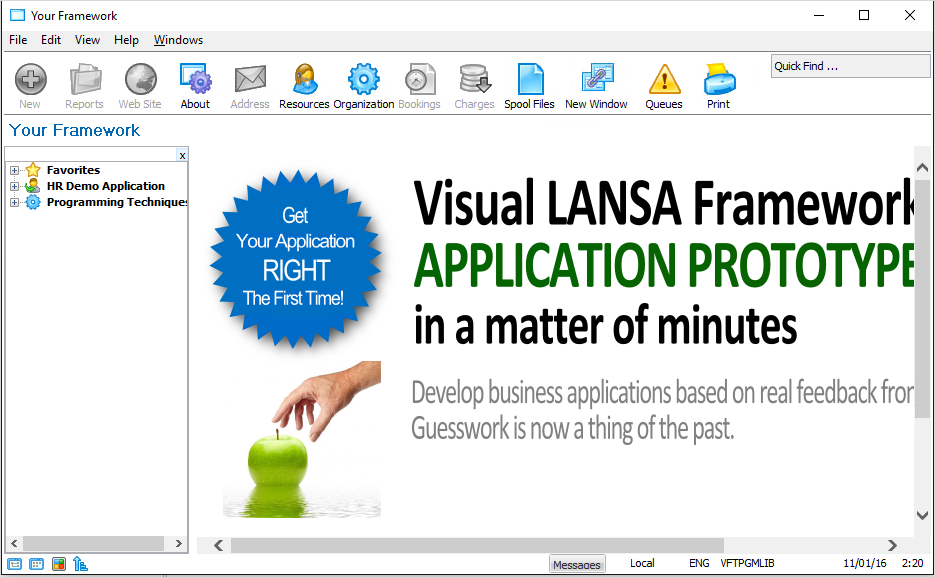
The Framework window is displayed: