In this tutorial you will snap the Browse/Maintain Employee Details and Skills File screen to the Framework. It is a typical basic 5250 inquiry screen.
Objectives
- Learn how to associate your snapped in screen with the instance list
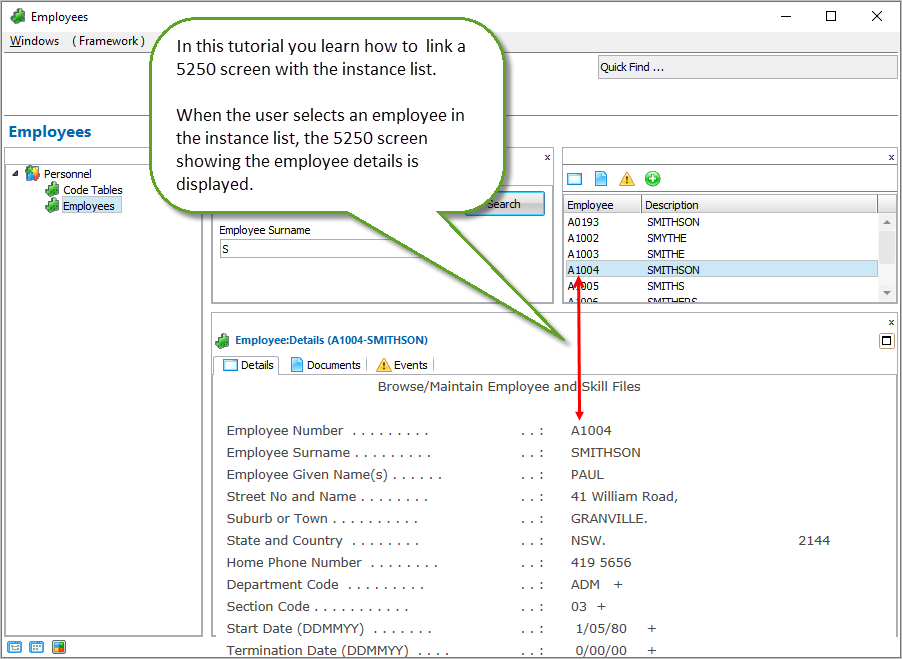
To achieve this objective, you will complete the following steps:
- RAMP-WIN006 Step 2. Change the Script to Use the Current Instance List Entry
- RAMP-WIN006 Step 3. Disable Function Keys
Before You Begin
In order to complete this tutorial, you must have completed the following: