In this step, you will use the Integrator Studio to extend the project iii Training created in INT003. You will create a new solution and use the XML Binding Wizard to create the required folders for building your XML.
- Locate the Integrator Studio icon by opening the LANSA folder on your desktop.
- Double click on the Integrator Studio icon. The Studio main window will appear.
You can also open Studio from the Tools ribbon in the LANSA Editor. - Select the iii Training project you created earlier and right click to Open Project. Your project will open in a new tab.
- Select the solutions folder and right click to create New Solution. Select XML File Editor from the Tool dropdown. Enter a new Solution Group of XML Request and a Solution File name of iiiPRO04_request.
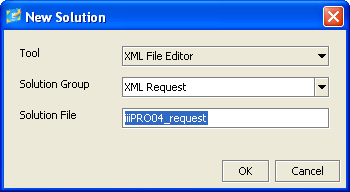
- Select Yes in the Confirm dialog. A new folder called XML Request will be created. By default, the full path will be:
c:\program files\lansa\integrator\studio\workspace\iii Training\solutions\XML Request.
Your XML file iiiPRO04_request.xml will be placed in this folder.
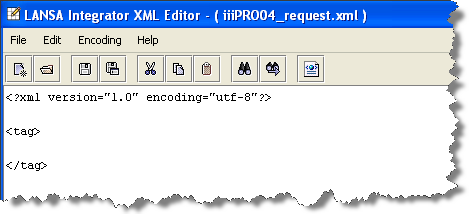
- The XML Editor will open: