Object security is used to control access to LANSA defined objects.
The security settings are:
- available in read-only mode if you are on a Slave system.
- not available and are not used with a VCS because the VCS methods of security that are used by the developer are external to LANSA.
In Visual LANSA select an object, right click with your mouse, and choose Security Settings from the context menu.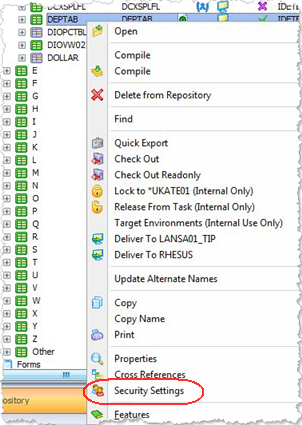
In an IBM i Master System use the Review Access to Objects Defined within LANSA option on the Housekeeping Menu to review and edit the object security details.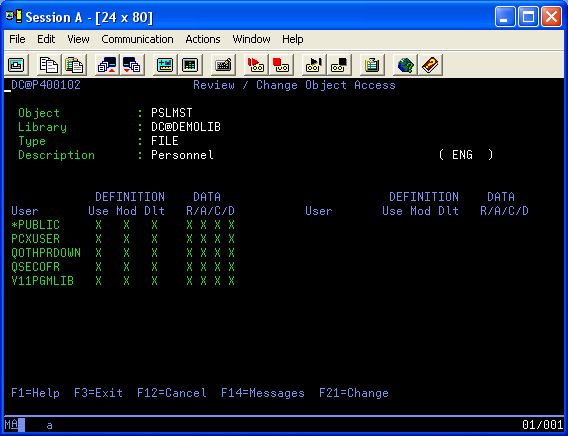
Also see
For details about user access to the LANSA development environment, refer to 7.9 User and Security Maintenance.