Messages for the development language can be read, from the database, one message file at a time. This message file can be used by both the development environment and your LANSA created applications. Only the Message identifier and a portion of the First Level Text is displayed.
To open the Message Files, select Message Files from the Tools ribbon: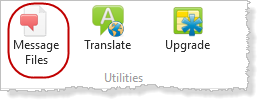
If you can only initially see the Utilities icon, widen your window.
You need to have proper authority to be able to amend the LANSA internal messages.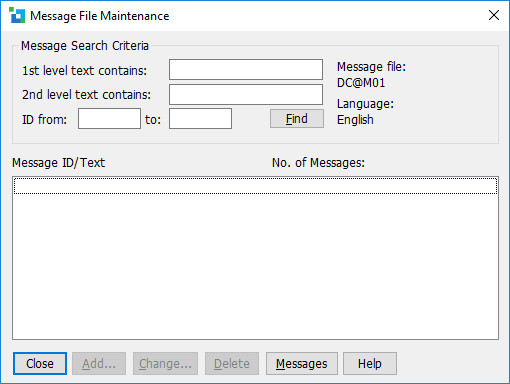
Search criteria based on following (all criteria are combined using AND logic):
Refer to 8.7.5 Add/Change Message Text to add a message or to change an existing message.
A new message can be added by selecting the Add button. (Refer .)
An existing message can be changed by selecting the message in the list and then selecting the Change button.(Refer to 8.7.5 Add/Change Message Text.)
An existing message can be deleted by first selecting the message in the list and then selecting the Delete button.