The shipped RAMP demonstration application has a Product Maintenance screen.
The LANSA function is called DFRPROM in process DF_RAMP.
Using a green screen, sign in and in the command line type:
Lansa run df_ramp dfrprom partition(dem)

Note the partition might be different in your system.
The next screen requires inputting a Product number.
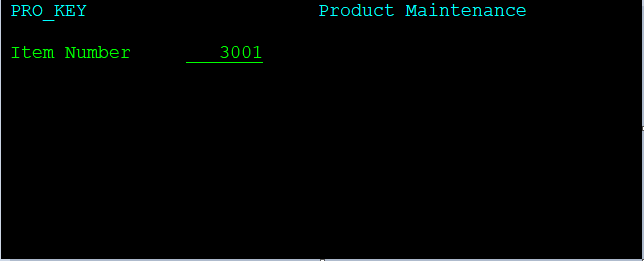
Type in 3001 and press Enter to arrive at the Product Maintenance screen:
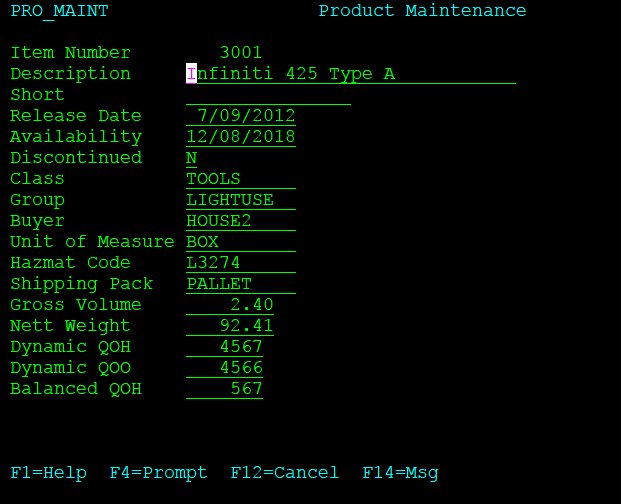
Product Maintenance is obviously a Destination screen.
If we had to choreograph a navigation to Product Maintenance, we would have to stop at the screen that asks us to type in a product number.
There wouldn't be much value added by RAMP other than not having to type in the command that takes us to the product inquiry screen.