Objectives
- To learn how to use switching to swap control between different business objects and to execute commands at the Framework, application or business object level (see Object Switching Service).
- To learn to use Virtual Clipboard to store the switch history.
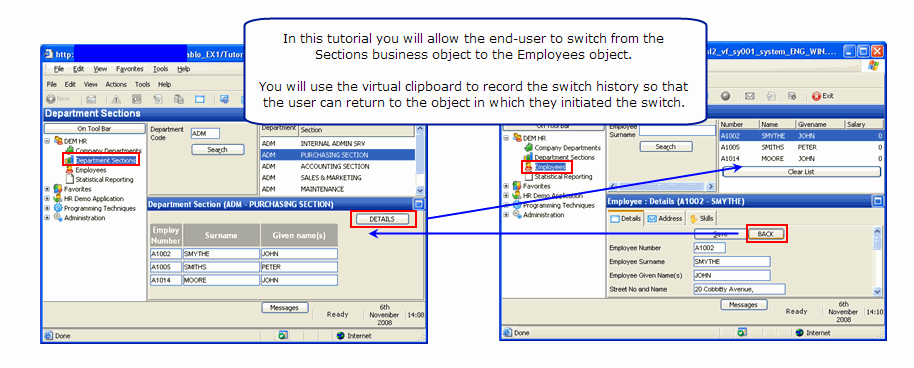
To achieve this objective, you will complete the following steps:
- Step 1. Create a Filter for Department Sections
- Step 2. Create a Details Command Handler for Department Sections
- Step 3. Add Logic to Switch from Sections to the Employees Business Object
- Step 4. Record Switch History using the Virtual Clipboard
- Step 5. Use the Switch History to Return to the Original Business Object
- Summary
Before You Begin
In order to complete this tutorial, you must have completed the following: