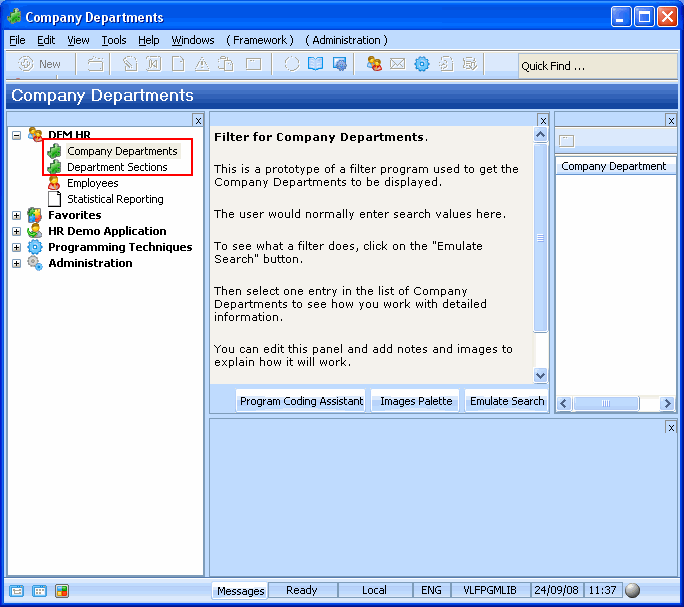
In this step, you will use the Instant Prototyping Assistant to create two business objects: Company Departments and Department Sections.
The Sections business object will become the child of the Company Departments object.
- Start the Instant Prototyping Assistant in the Framework.
- Type in the names of two new business objects Company Departments and Department Sections. Remember to separate the names with a comma.
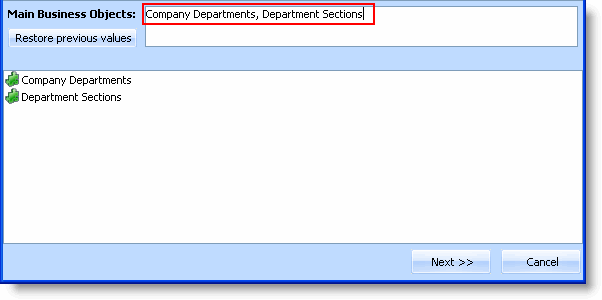
- Click Next.
- Drag the Details command to the Department Sections business object.
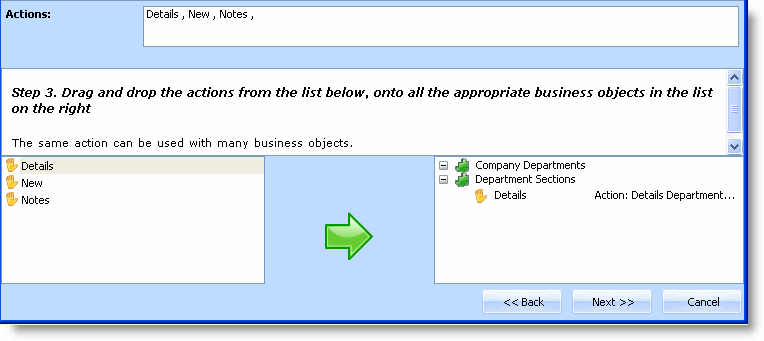
- Click Next.
- Drag both business objects to the iii HR application.
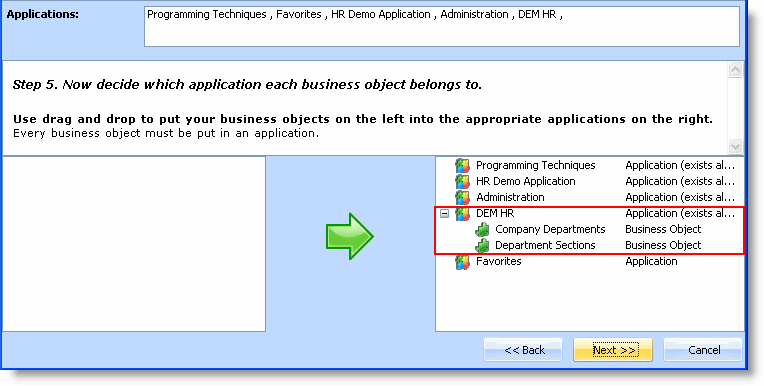
- Click Next.
- Click Finish.
The new business objects are now visible in the iii HR application: