Page History
...
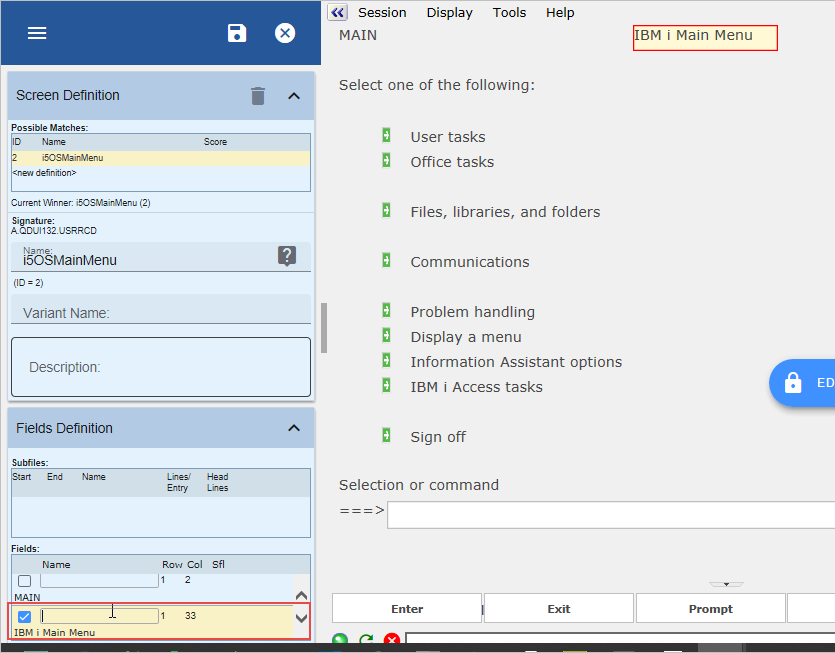
3. Click on the Save button on the Screens tab.
Next name the Work with Active Jobs screen:
4. Navigate to the Work with Active Jobs (WRKACTJOB) screen in the RAMP-TS 5250 emulator session.
...
...
3. Click on the Save button on the Screens tab.
Next name the Work with Active Jobs screen:
4. Navigate to the Work with Active Jobs (WRKACTJOB) screen in the RAMP-TS 5250 emulator session.
...