Page History
[  |../../index.htm#lansa/lansa048_1230.htm]
...
In this step, you will create a new application in the Visual LANSA Framework and identify the application in the Framework by assigning properties such as captions and icons.
1. Maximize the Framework window.
2 Select the (Framework) menu and choose New, Application. You may want to have a look at What Are Menu Options in Brackets?.
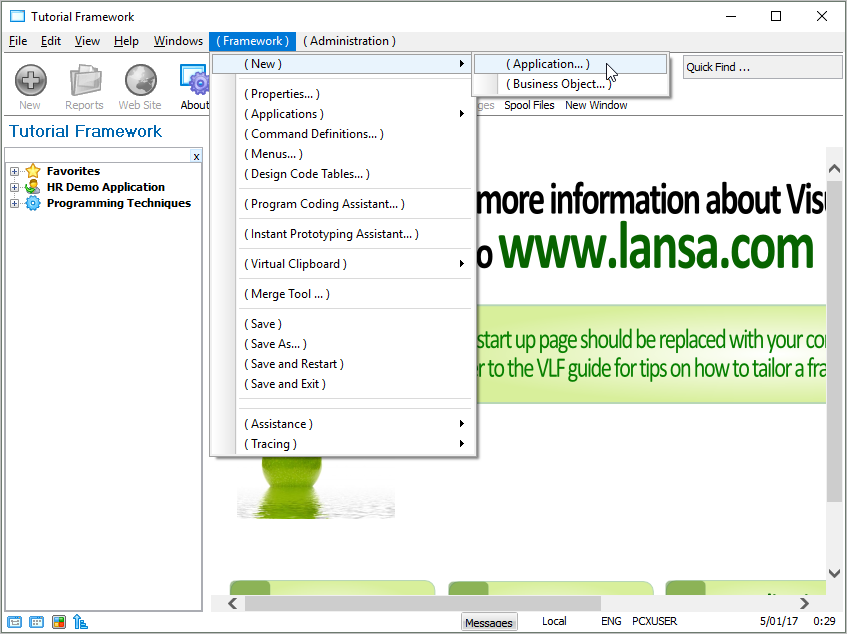
The properties of the new application are displayed.
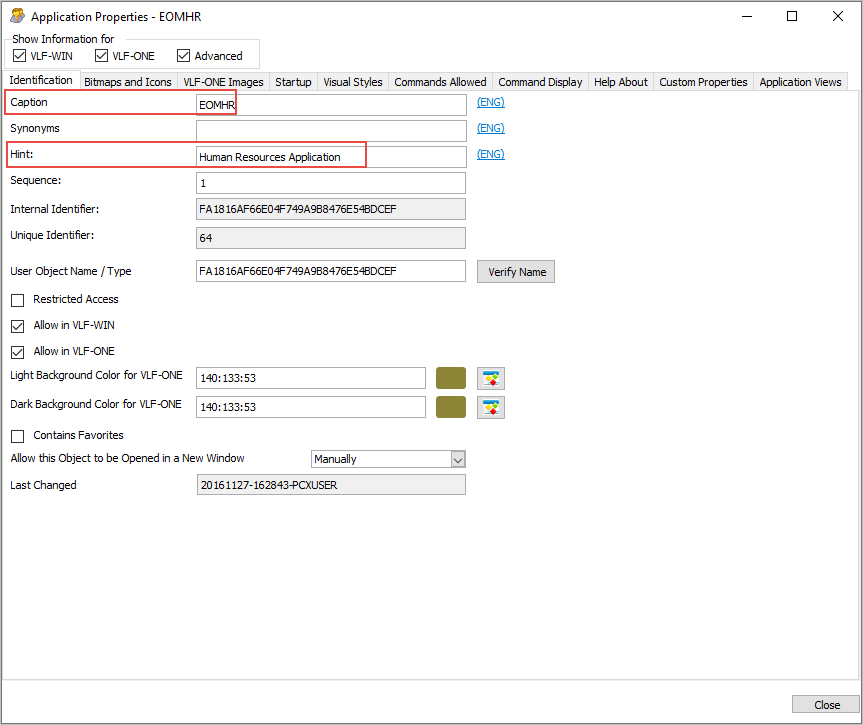
3. Select the Identification tab.
4. Set the Caption to iiiHR (where iii=your course assigned ID) and press F1 to see the context-sensitive help for the Caption property.
5. Set the Hint to Human Resources Application.
6. Ignore the other fields on the tab sheet.
7. Display the Bitmaps and Icons tab.
8. Select, for example, the icon  for the application.
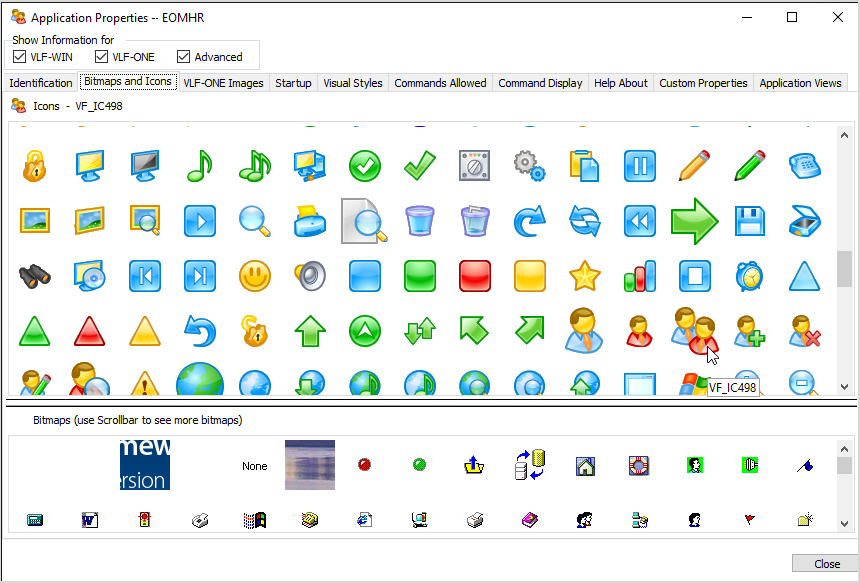
This icon will be used when the Framework is executed as a VLF-WIN application.
[ |../../index.htm#lansa/lansa048_1230.htm]