Page History
...
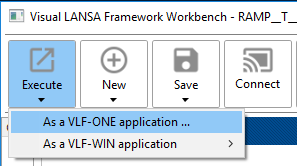
Click the Execute toolbar button and choose 'As a VLF-ONE application': 
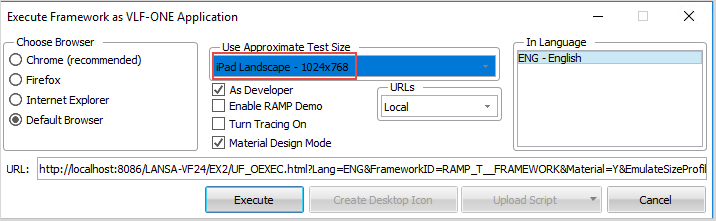
Click the Execute button in this dialog to launch VLF-ONE in the browser
Choose a browser, select the appropriate Test Size, and click Execute.
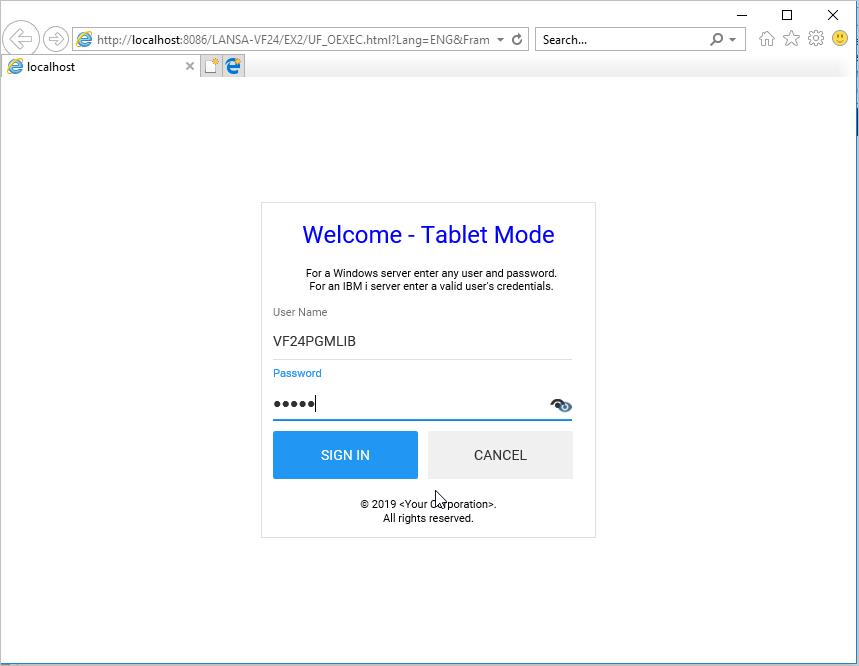
Sign in using your IBM i user profile.
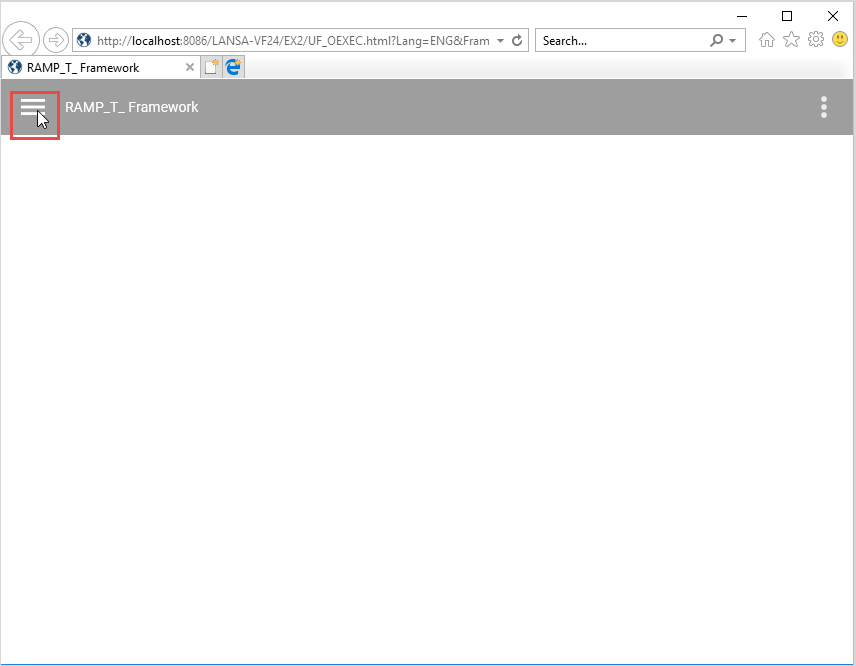
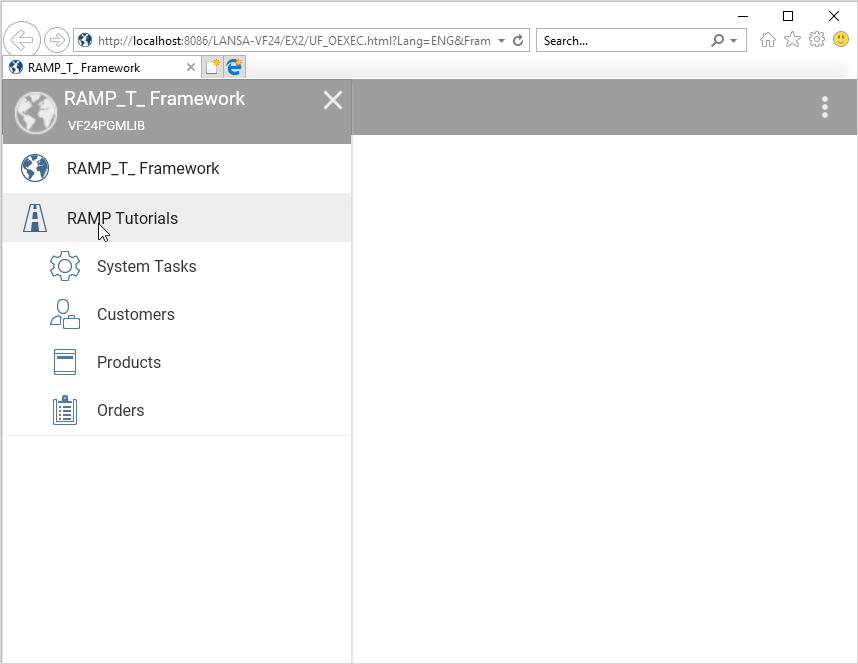
Click on the menu in the top left corner:
Click on the RAMP Tutorials application to show its Business Objects:
Click on the System Tasks business object to execute the default Active Jobs command:
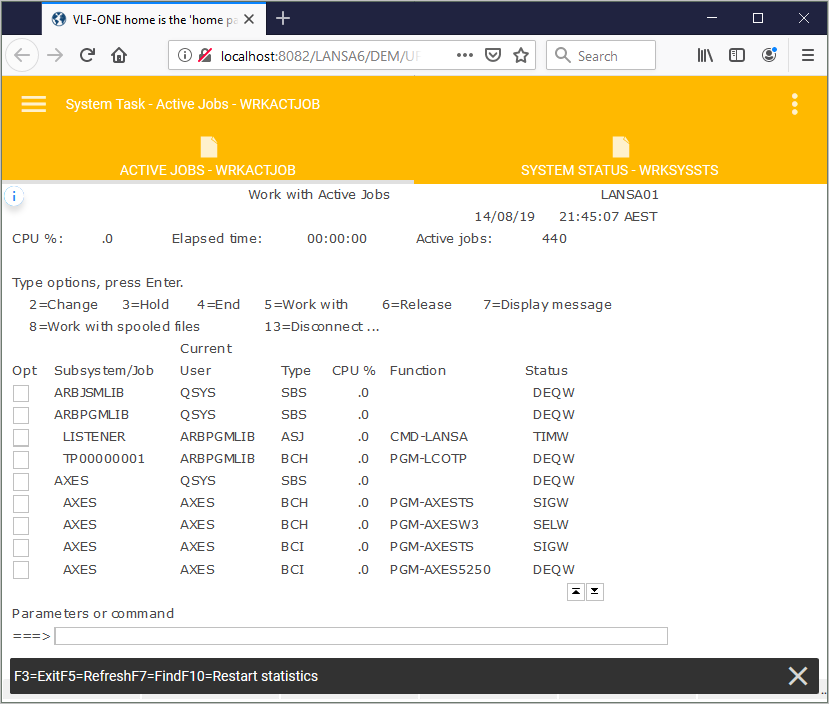
Note that if your snapped in 5250 screen looks different to the picture above, your aXes project might not contain the VLF-ONE style files. For more information, see How do I change the theme of the screens I have snapped in?
Show Contents List