Page History
...
- Key fields displayed in read-only mode as they cannot be changed.
- The number of the row in the Title bar.
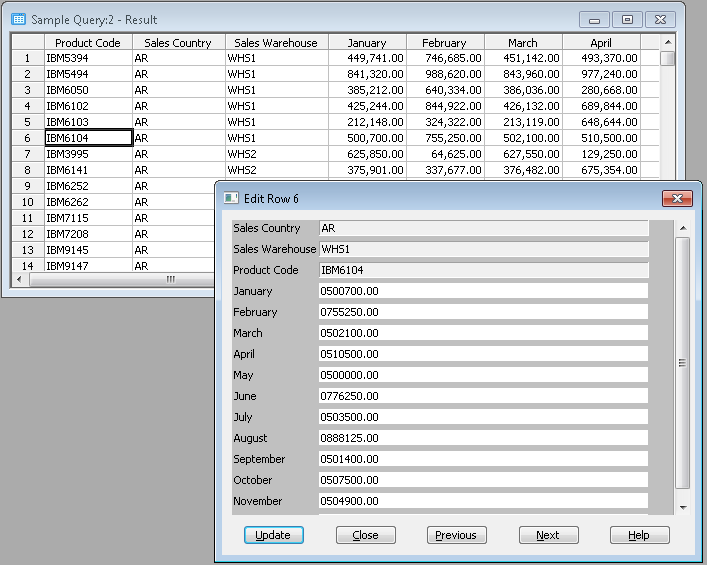
If there are too many fields to be displayed at once in the window, LANSA Client will provide a vertical scroll bar on the right hand side of the dialog box so that you can scroll down or up through the fields.
...
Once you are satisfied with your changes, select the Update button.
LANSA Client will then update the relevant file in the host database. If any errors are found, error messages will be displayed and the update will not be successful. Amend the data according to the errors reported and select the Update button again.
Once you have finished editing the data, select the Close button to dismiss the Edit Row dialog box.
| Note |
|---|
| Note Notes: Note:
|
| Note |
|