In this step you export the save files you have created.
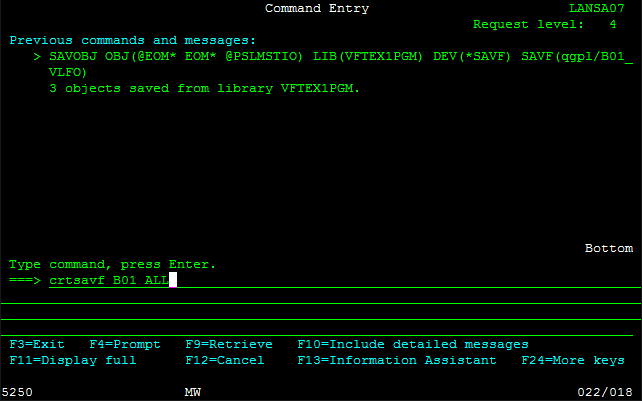
1. Create a save file Bnn_ALL for your export list using the CRTSAVF
command.
2. Display the LANSA Housekeeping menu.
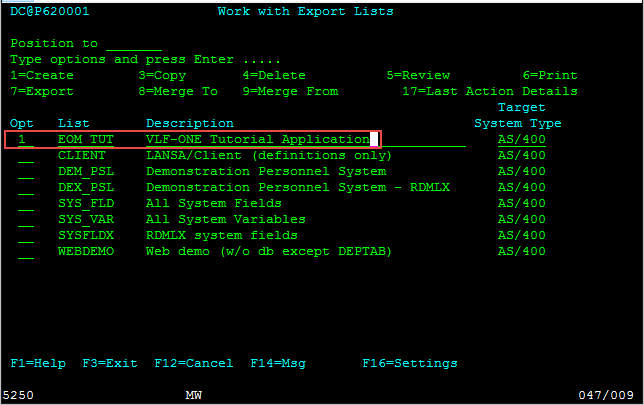
3. Select option 7 (= Export) in the Work with Export Lists menu
4. Create an export list for your Framework application, name it iii_TUT (where iii are your initials).
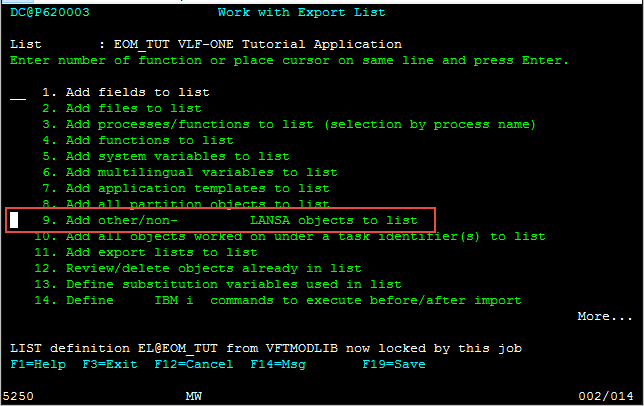
5. Select option 9 to add non-LANSA objects to the list.
6. Use F20 to locate your B01* save files and add them to the export list.
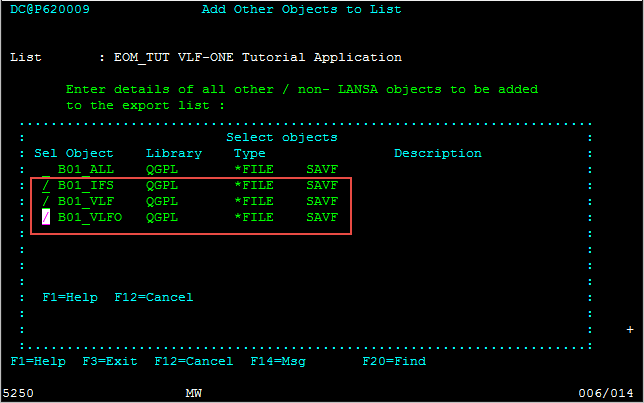
7. Copy the data in the save files.
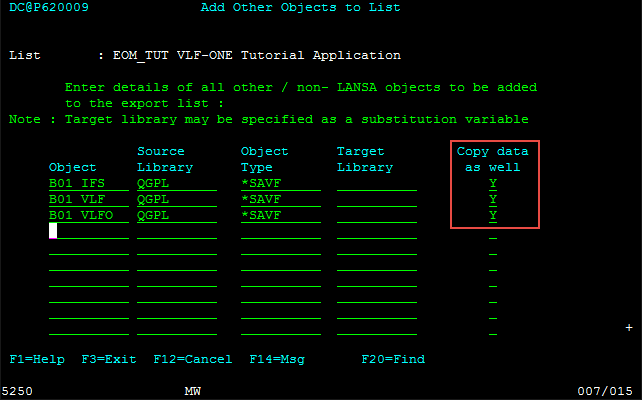
8. Save the export list.