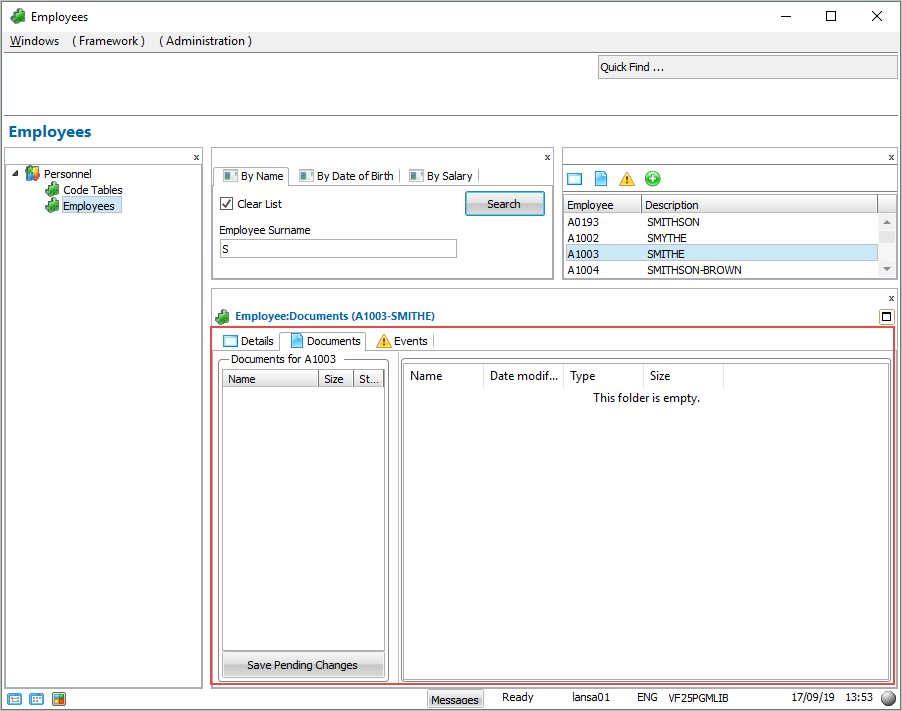
In this step you snap the shipped Documents command handler DX_DOCS to the Employees business object.
1. In the Framework workbench, display the properties of the Employees business object.
2. Display the Commands Allowed tab.
3. Specify DX_DOCS as the command handler for the Documents command: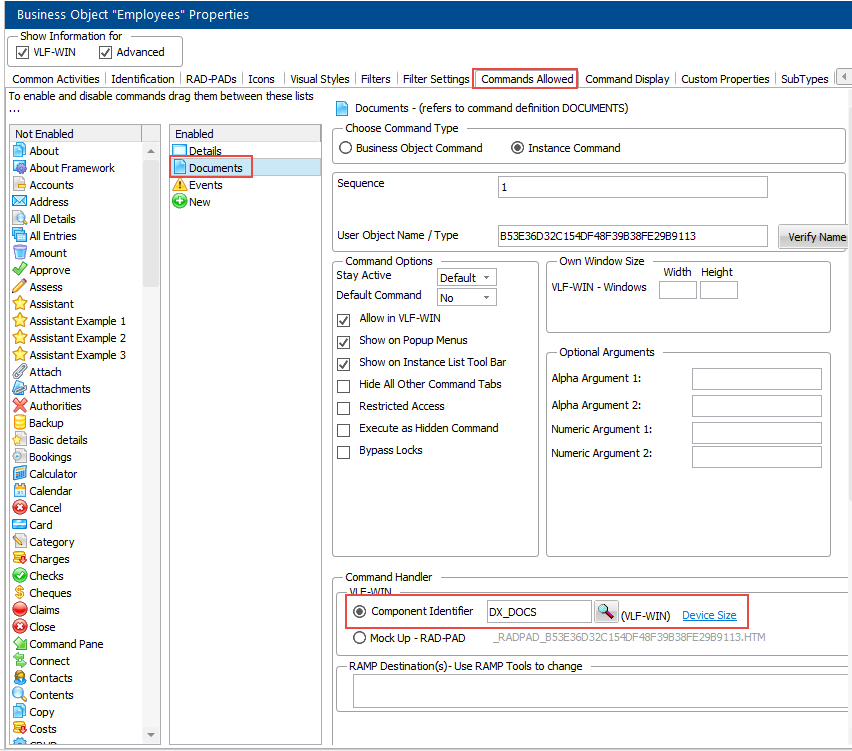
4. Save the Framework.
5. Execute the Framework as a VLF-WIN application, as Designer.
6. Select an employee in the instance list and display the Documents tab. The shipped documents command handler is snapped in and usable: