1. From the toolbar select the File menu and then choose the Generate command.
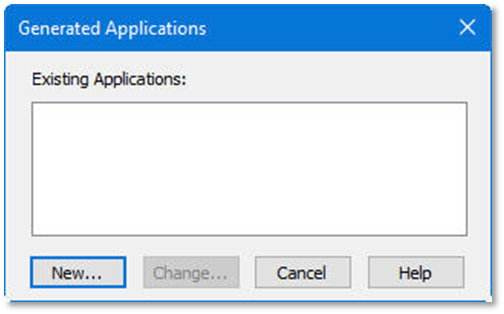
The dialog box shows you a list of existing LANSA Client generated applications. Initially this list will be blank.
2. Select the New button.
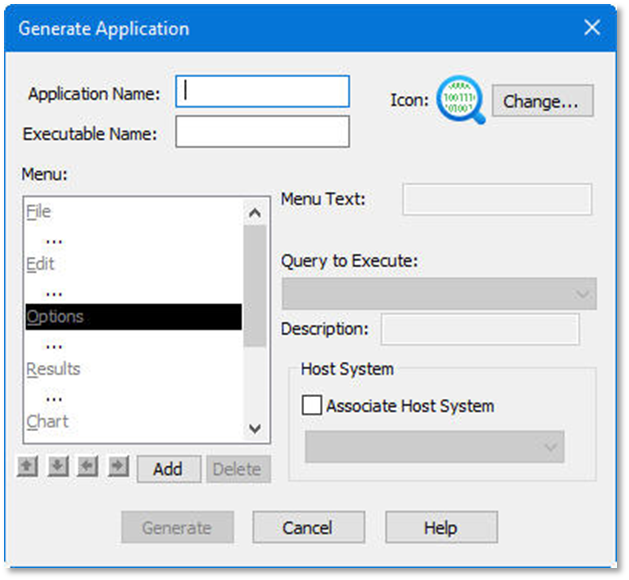
The Generate Application dialog box is displayed.