To create a settings panel, display the Common Activities for the Framework and choose Create a settings panel: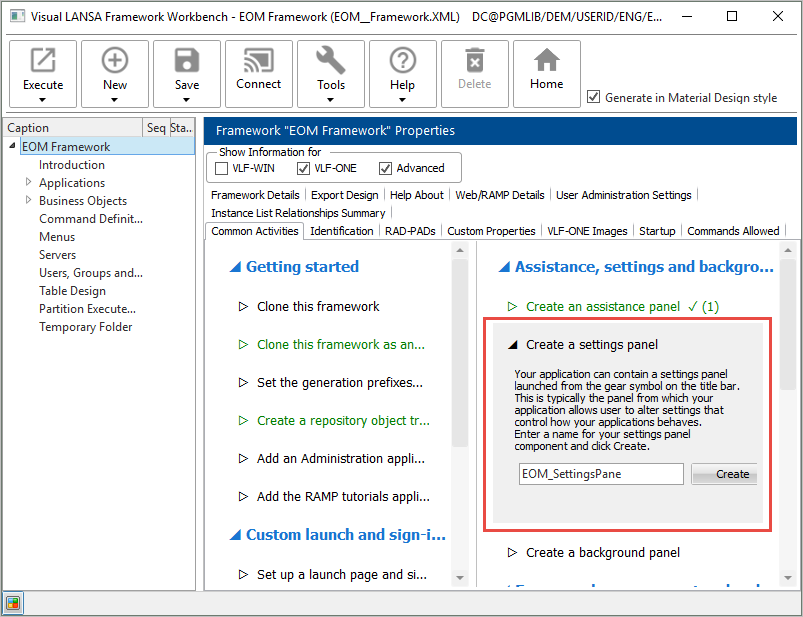
Click Create and choose Create Only.
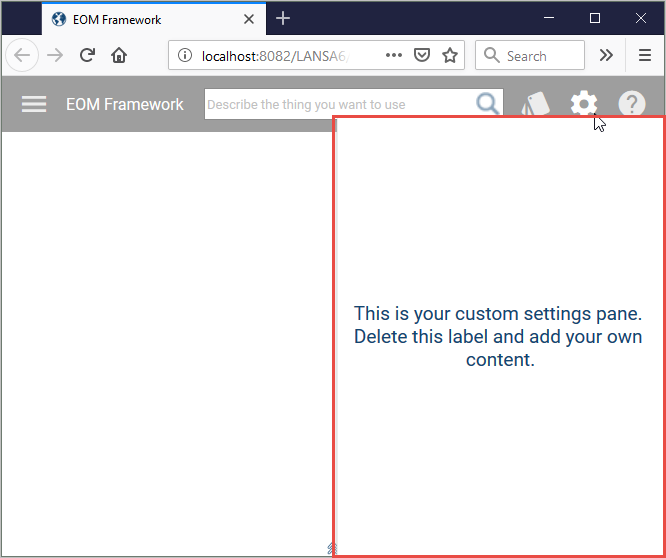
Wait until the settings panel is compiled and snapped in, then execute the Framework, and click the Settings icon to see it: