- Start the VLF-ONE Framework in the browser and log on as the Administrator.
- Choose your copy of the Administration application.
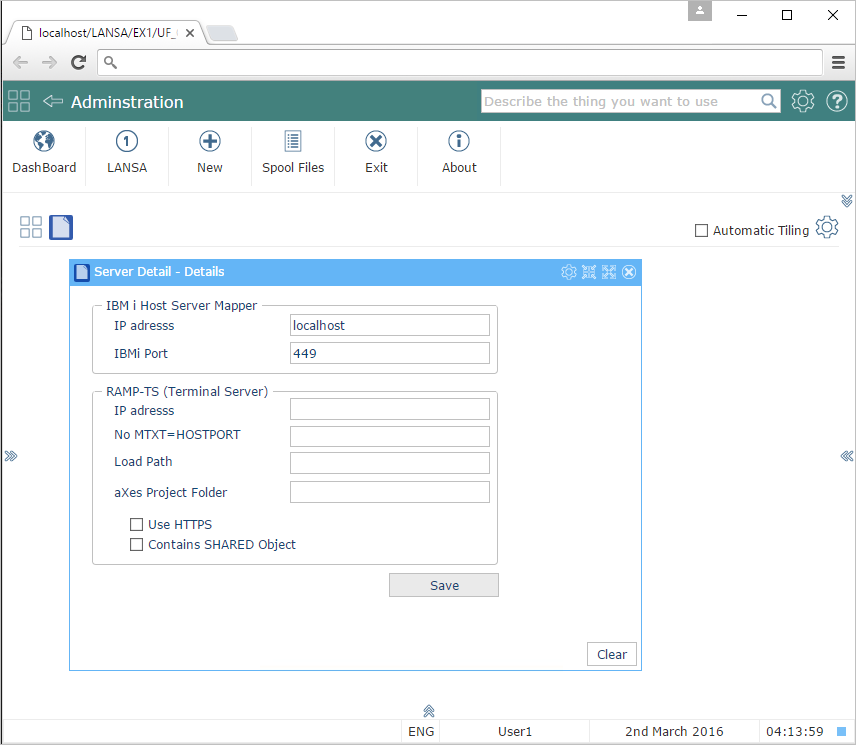
- Choose the Server Details business object
- Type in the name and port of your remote server and save it. This is the IBM or Windows server where your user related information resides
- Optionally, enter the information required to identify a RAMP server.