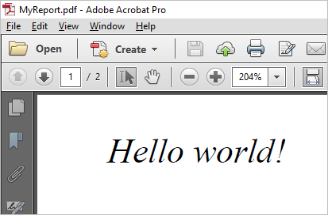
The new PDF component can be used to create PDF files from a web page.
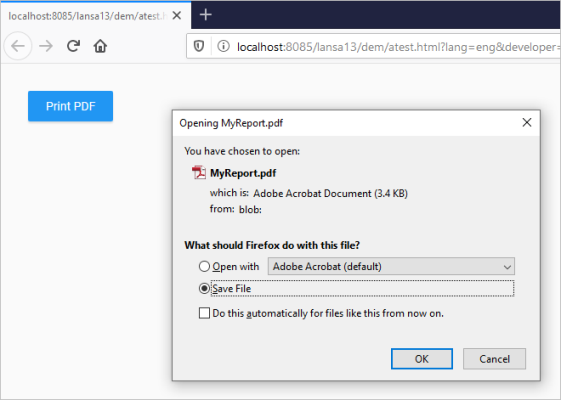
This sample web page code produces a PDF file with the text 'Hello World'':
Begin_Com Role(*EXTENDS #PRIM_WEB) Theme(#SYS_THEME<MaterialDesignBlue>)* Simple PDF reportDefine_Com Class(#PRIM_PDF) Name(#pdf)Define_Com Class(#PRIM_MD.RaisedButton) Name(#Button) Caption('Print PDF') Displayposition(1) Left(32) Parent(#COM_OWNER) Tabposition(1) Themedrawstyle('MediumTitle') Top(32)Define Field(#CreationDate) Type(*DATETIME)Evtroutine Handling(#Button.Click)#pdf.start#pdf.setDocumentProperties Title('My PDF report') Author('John Smith') Creator('My Company, Inc') Keywords('Weekly report')#CreationDate := #CreationDate.Now#pdf.setCreationDate Datetime(#CreationDate)#pdf.setFont Font('Times') Style(Italic)#pdf.setFontSize Size(14)#pdf.text Text('Hello world!') Left(10) Top(10)#pdf.addPage#pdf.text Text('This line is on the second page') Left(10) Top(10)#pdf.save Filename('MyReport.pdf')EndroutineEnd_Com