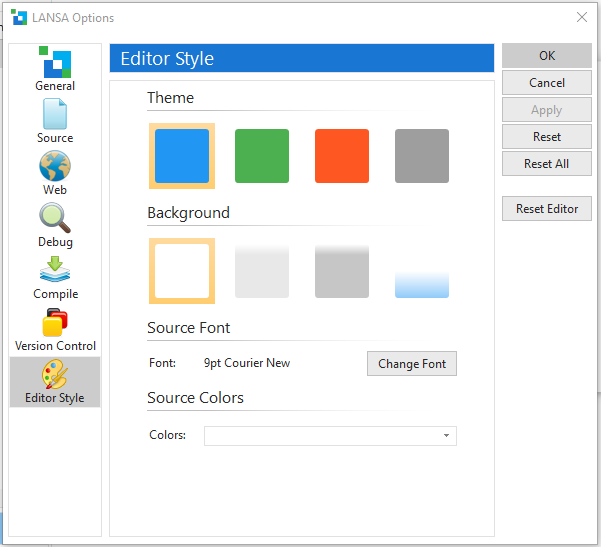
By using the LANSA Options, you can control the information that is displayed and, in some cases, how it is displayed.
To set the LANSA Options, from the File menu, choose Options near the bottom of the list.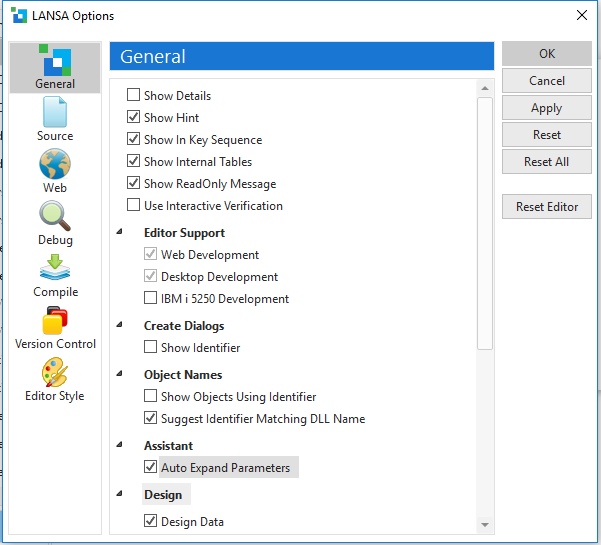
The Option's settings are described in detail in Editor Options in the Visual LANSA User Guide.
Style Options