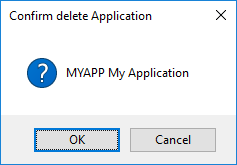
| Select the Application to be deleted and press the Delete tool in the toolbar or choose the Delete command from the right-click menu.
|
| Select the Application to be deleted and press the Delete tool in the toolbar or choose the Delete command from the right-click menu.
|