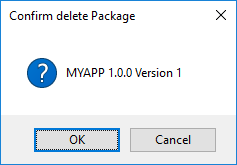
| Highlight the package to be deleted in the list in the Deployment Tool's main window and press the Delete icon.
Once the Delete option is used, the package definition and all physical objects will be deleted. |
| Highlight the package to be deleted in the list in the Deployment Tool's main window and press the Delete icon.
Once the Delete option is used, the package definition and all physical objects will be deleted. |