1. From the toolbar select the Window menu and choose the New Window command.
2. Use the Chart Options  to change the new window to a Horizontal Bar chart.
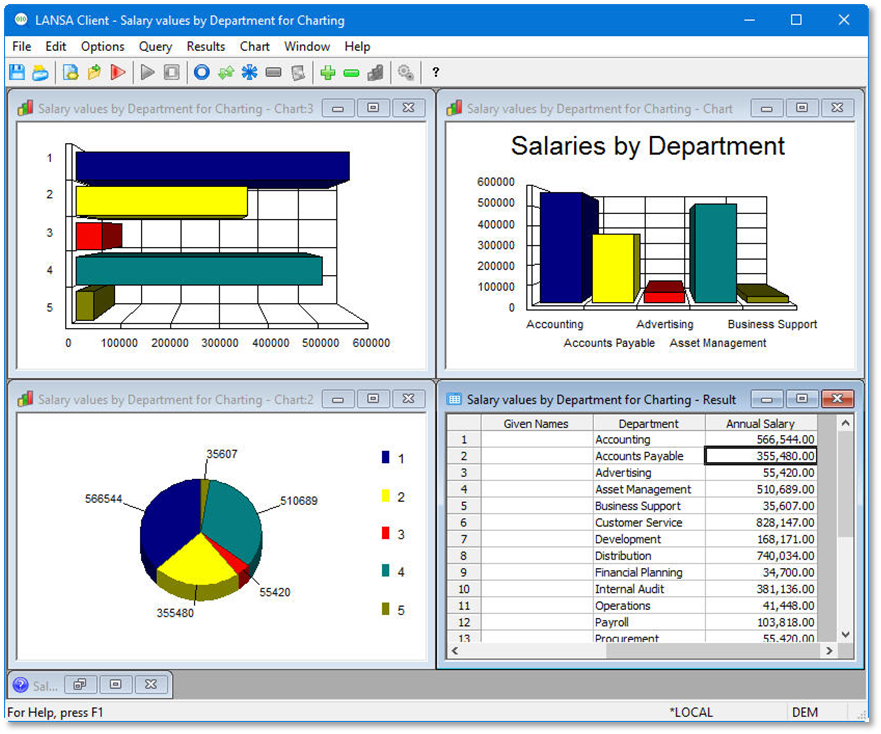
3. Tile your Windows (Results, Chart-1, Chart-2 and Chart-3).
1. From the toolbar select the Window menu and choose the New Window command.
2. Use the Chart Options to change the new window to a Horizontal Bar chart.
3. Tile your Windows (Results, Chart-1, Chart-2 and Chart-3).