Tracing on Android touch devices is not as straightforward as on iPads because there is no browser inbuilt console.
There are a few tools to remote debug Webkit browsers. Here we are only going to cover the Android Debug Bridge – adb – which lets you output trace statements to a dos command prompt. To use adb you require:
- The platform tools included in the Android SDK package: http://developer.android.com/sdk/index.html. Note: the entire package is quite big, it should be enough to just get the platform tools.
- A USB connection to a PC or laptop. Check that your device has USB Debugging enabled: Settings – Applications – Development – USB debugging
To start using adb:
- Connect the device to the computer and open a DOS prompt and change directory to the platform tools.
- Type this command and press Enter:
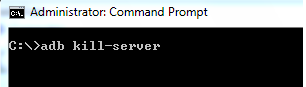
- Type this command and press Enter:

- Type this command and press Enter:
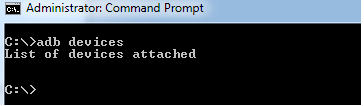
- To start tracing, first clear the log:
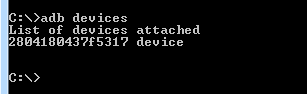
- Next, you can issue this command which will filter the browser messages:
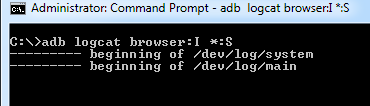
From here on any trace messages will come out on the DOS window: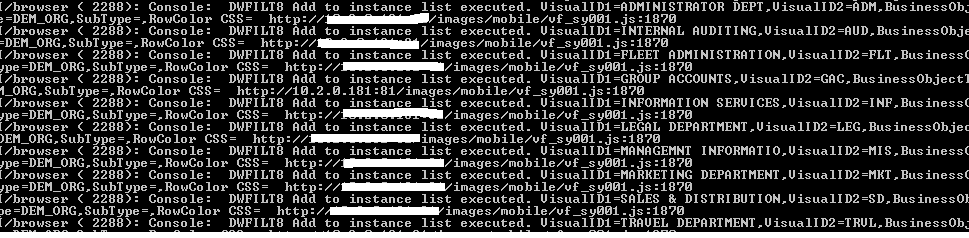
For more information about the adb interface see http://developer.android.com/guide/developing/tools/adb.html.