You need to export the documentation to a PDF then you can print it.
On the top right corner of the page, you see  , click on it and select Export to PDF.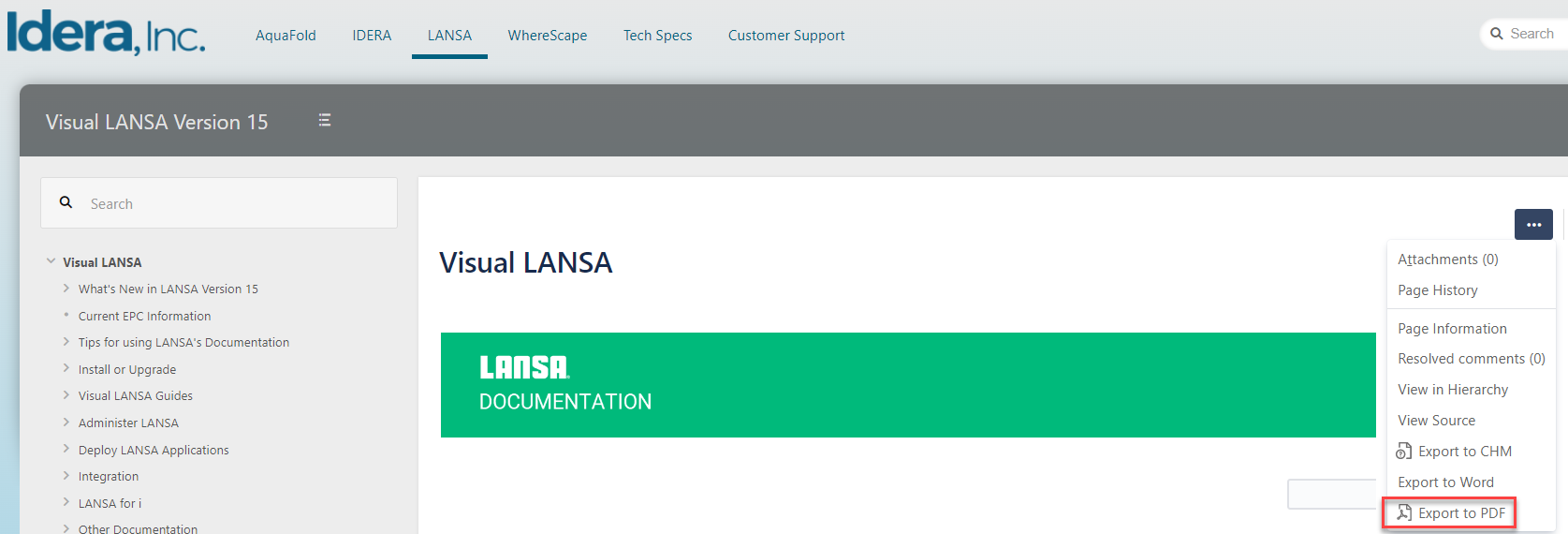
As with all web output, you can only print one topic (or page) at a time.
For best results, always use the print icon  in the toolbar. That will print the whole documentation page.
If you use your Print button (or Ctrl + P), you will get the contents list as well as your chosen page.