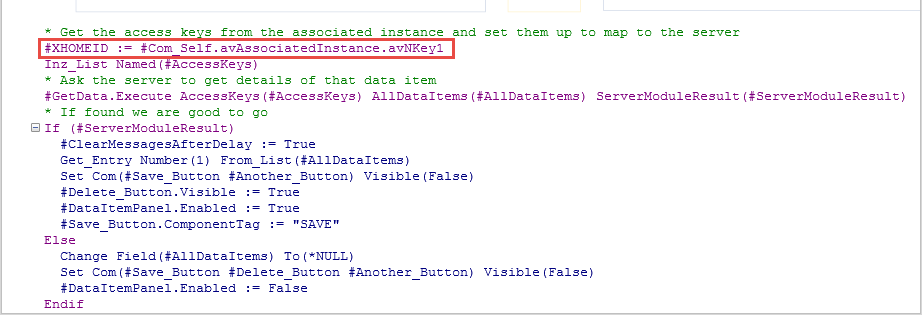
You can control how many business object instances (command handlers) can be open in an application at the same time.
To see how this works execute a business object created with the SCRUD option (see Create a Fully Functional Business Object). Notice it has a control which allows you to adjust how many panels can be concurrently open: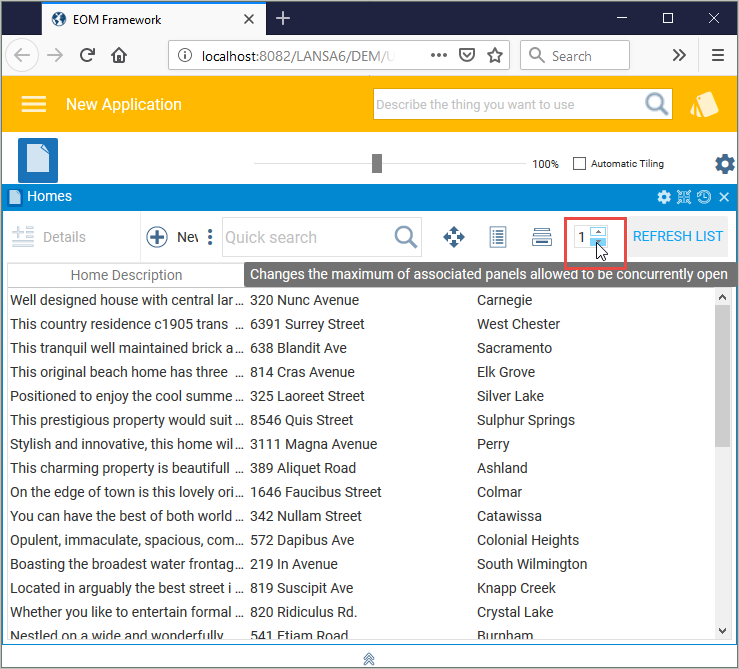
When the number is 1, you can only open the command handler for one business object instance. Increase the number to 3 to be able to have three business object instances open at the same time: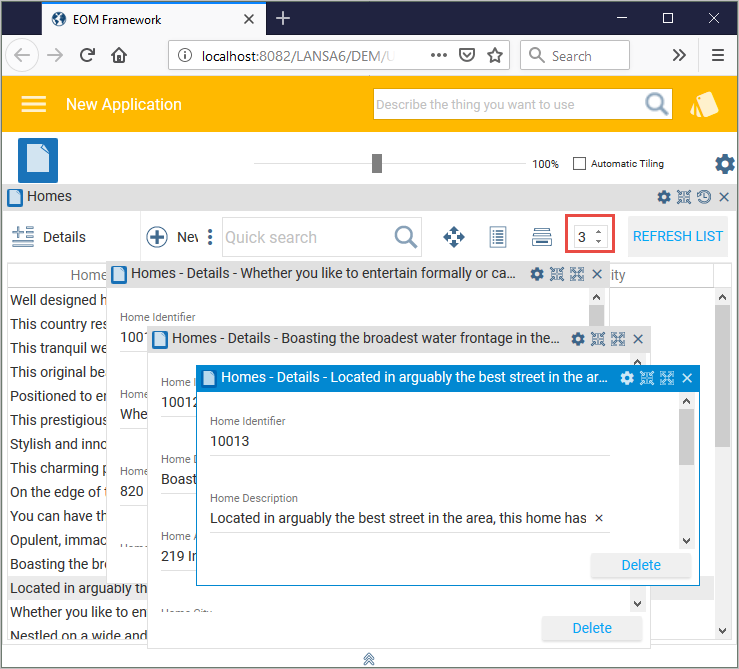
The number of concurrently open business object instances can be controlled at design time using the Maximum Instances Concurrently Open option in the Command Display tab of the business object:
When more than one business object instance is allowed to be open, the command handler code has to manage this by setting a reference to each of them.
To see how this is done, open the SCRUD details command handler (in this example XXX_XHOMESALE_SCRUD_Handler) in the Visual LANSA editor and note that when the instance level command handler panels are initially displayed, they are assigned an 'associated' instance: