Once the User Agent is started (refer to 8.3.1 Start the User Agent), the main screen is displayed allowing you access to functions through the File menu:
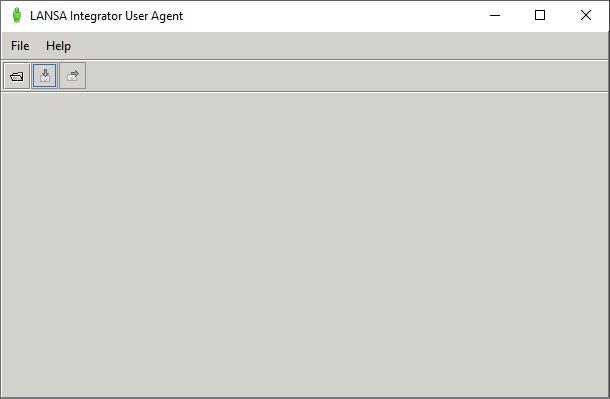
Depending on the method used to start the User Agent, the sequence of steps is:
- 8.4.1 Open Host - to select the Configuration File to be used.
- 8.4.3 Open Source - to define the file to be uploaded.
- 8.4.5 Send- to send the file to the host.
- 8.4.4 Close Source - to close the source file.
- 8.4.2 Close Host - to close the Configuration file selected in step 1.
- 8.4.6 Exit - to exit the user agent.
Review the following: