Database Connection Helper allows you to more easily create database connection strings by breaking them into parameters and then combining them in the correct format for that particular JDBC Connection.
The Connection Helper can make strings for IBM i, Microsoft SQL Server, MySQL and Oracle databases.
When creating a new database connection, you will be prompted to use the helper:
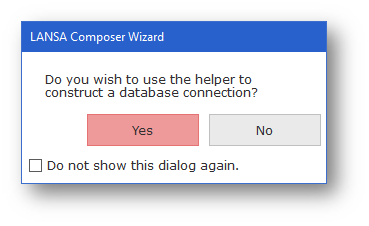
It is recommended that you always use Database Connection Helper to create new database configuration.
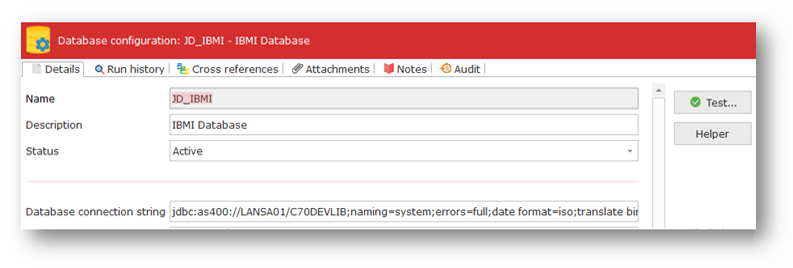
It can be used for an existing connection and will be prefilled with the driver class, user name and password, based on information already supplied for the selected connection.
The Helper can be accessed by clicking the helper button to the right of the Details tab.
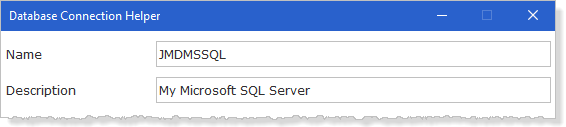
When the Database Connection Helper opens:
1. Enter a unique Name and Description for your connection.
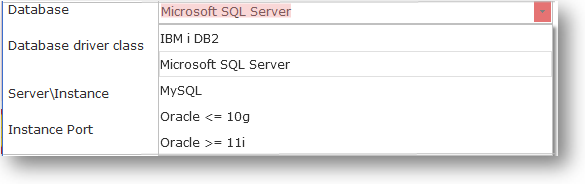
2. Select the type of database you wish to connect to.
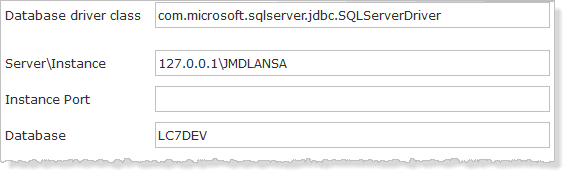
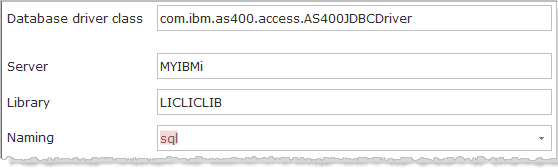
3. Enter the details for the selected database such as server, database, library and so on.
Example for Windows:
Example for IBM i
4. Add the user name and password

5. Save the connection details by clicking the Save button.
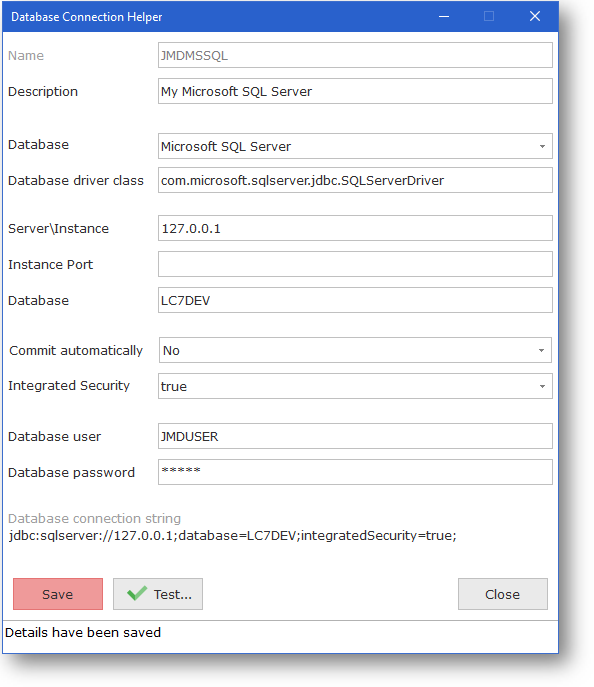
6. Now test it, to make sure it is working.