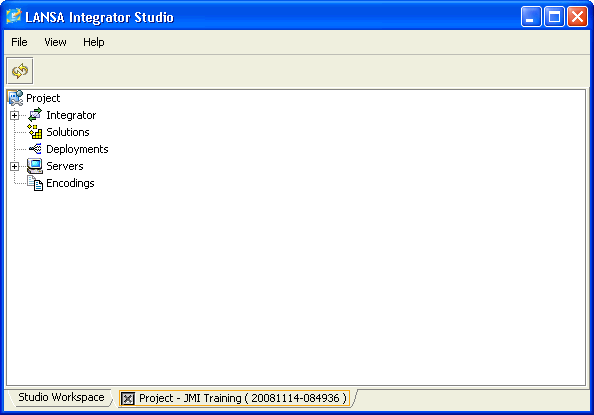
) shortcut in the LANSA folder on your desktop. Alternatively, open Integrator Studio from the Tools ribbon in Visual LANSA. Once it has opened, right-click on Project, select New Project.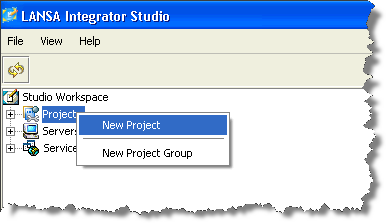
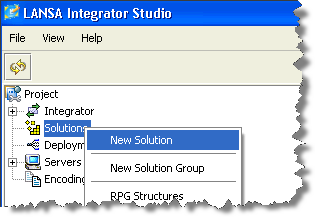
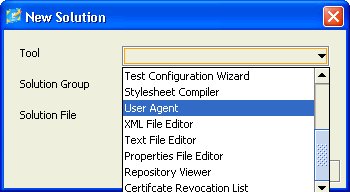
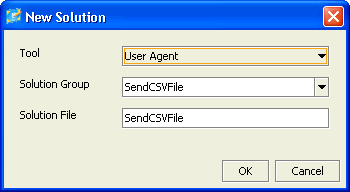
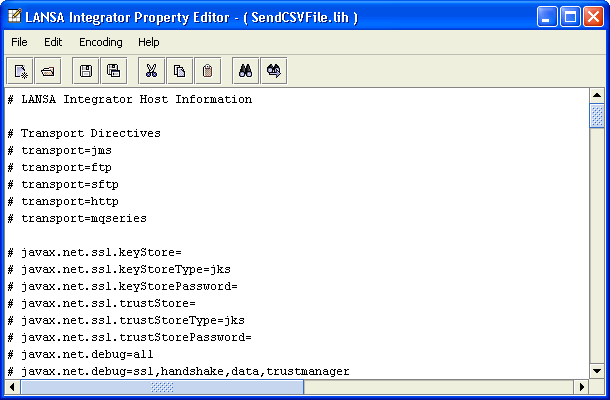
You are now going to create the Host Information file (.lih) which the User Agent will use. This is a configuration file which provides the parameters required by the User Agent. The User Agent will perform the upload (in this case a CSV file) based on the configuration parameters.
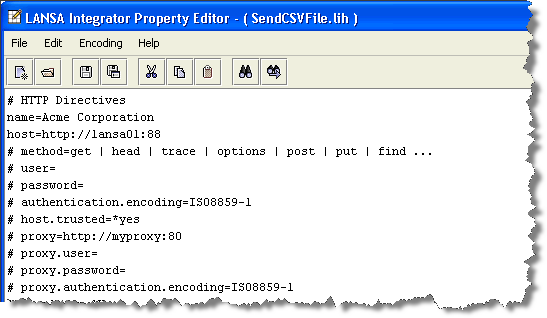
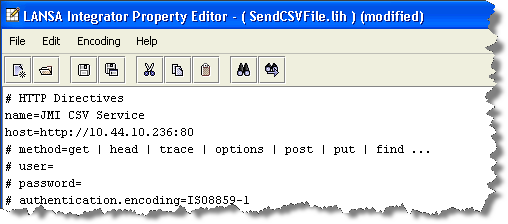
Change the line "name=Acme Corporation" to "name=iii CSV Service".
Enter the host IP address and port details that will tell the User Agent where to find JSMDirect.(If you are testing using a local Windows web server and JSM Server, you can use a value such as: http://localhost:80.)
Note: Check your Windows Internet Information Services Manager (IIS) configuration. You may find that the Integrator install has create a web server instance using a different port number. e.g. http://localhost:8080. |
Enter the file type to tell the User Agent how to display a data file of this type, prior to sending it. Using the Find facilities in the editor, locate lines containing # CSV. Remove the # and spaces at the beginning of this line:csv=text/comma-separated-values; charset=utf-8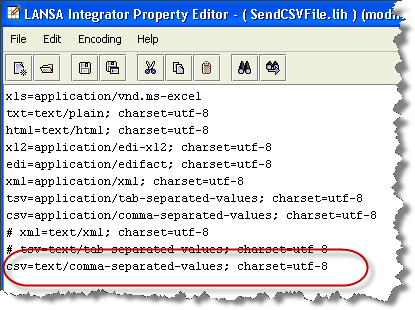
Again, use Find to locate the lines containing URI (Uniform Resource Identifier). This information will tell the User Agent that source files of type .CSV should be handled by the server program iiiFN03, which you will create in a later step.
When using a Java Services Manager (JSM) running on an IBM i server, the JSM will locate the entry in DC@W29 where the local host and server program identifier match. For a LANSA function the information recorded includes process, function and partition. Modify the entry for csv.uri=/cgi-bin/jsmproxy?ordersv. Your entry should look like the following: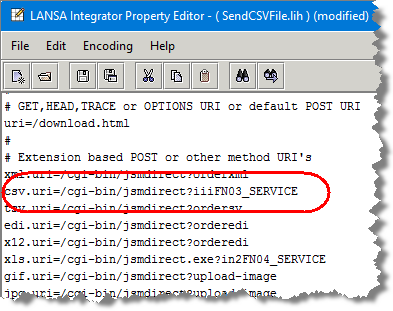
If you are using the JSM on a Windows server, the file DC_W29.txt is used to look up the function or program to call as described above. In this case your entry would look like the following:csv.uri=/cgi-bin/jsmdirect.exe?iiiFN03_SERVICE
You will define the service entry for function iiiFN03 in Step 4. JSMDirect Service Configuration.