Into this and with a few simple changes:
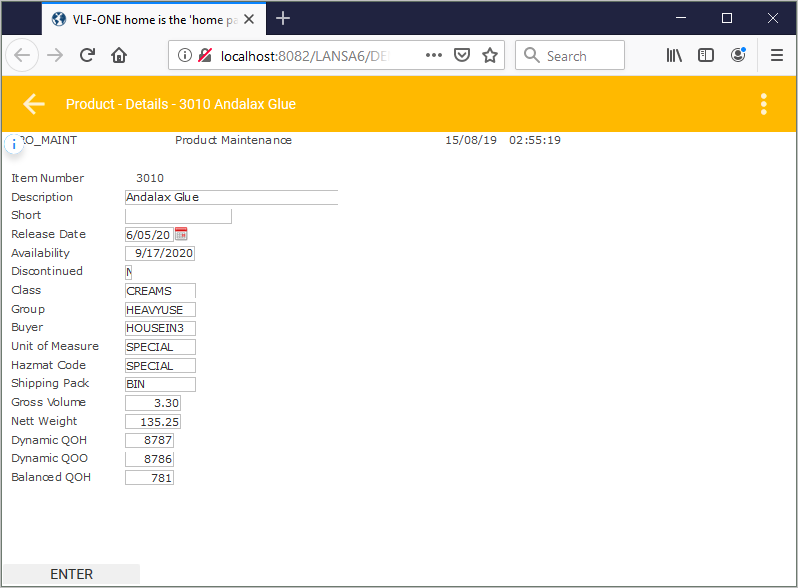
In this tutorial, we will continue with the example in RAMP-ONE05: Adding Value with Filters – Product Maintenance. We will turn this screen:
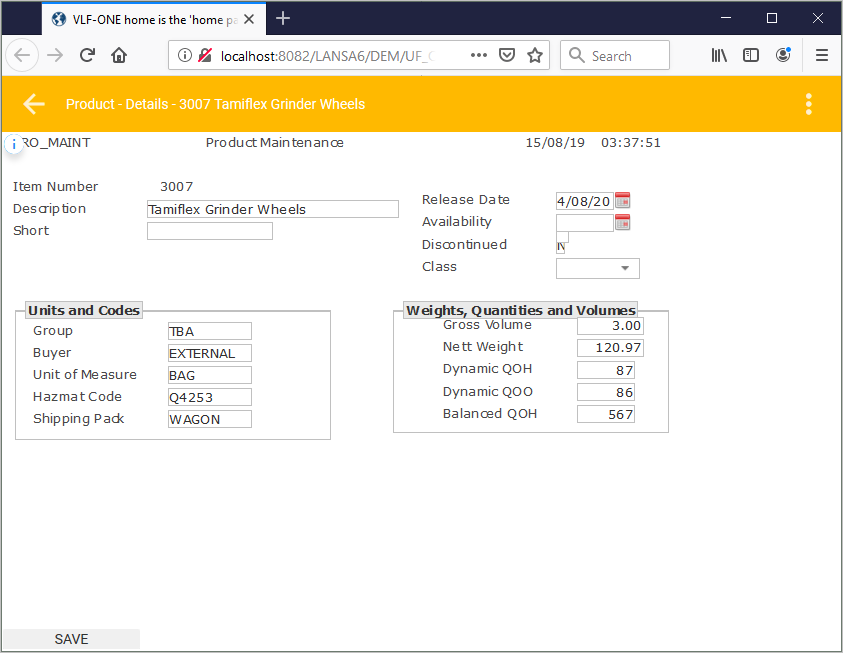
Into this and with a few simple changes:
Step 5. Visualize Discontinued as a checkbox
Step 6. Visualize Class as a dropdown
Step 8. Only Enable the Enter Button
Step 9. Save and Unlock the Screen