To hide entities without attributes or rows in a model version, right-click on the version and select Entities>Hide empty entities.

Select whether to hide all entities without rows or all entities without attributes and then click OK.
To hide entities without attributes or rows in a model version, right-click on the version and select Entities>Hide empty entities.
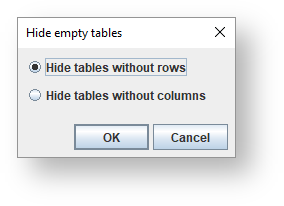
Select whether to hide all entities without rows or all entities without attributes and then click OK.