To delete an attribute:
- Right-click on the attribute in the tree or diagram and select Delete.


- On the Confirmation dialog, click Yes.
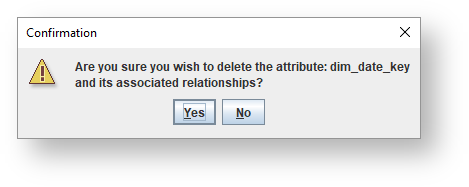
The selected attribute and its associated relationships are deleted.
To delete an attribute:
The selected attribute and its associated relationships are deleted.