Before you create the filter, create a server module to control access to the table the filter will use.
In the Visual LANSA editor, use File > New > Server Module: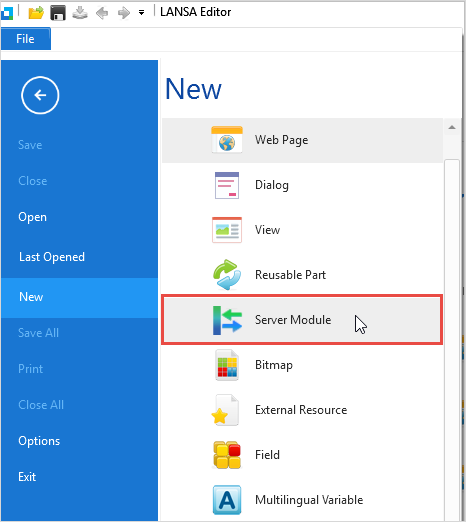
Give the server module a name and description, and specify xEmployee as the table to be accessed by the server module: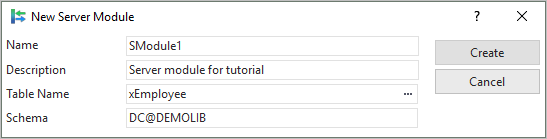
When the server module is open in the editor, locate the FindxEmployeeBySurna server routine. Comment out the Select statement in the routine:
Select Fields(#xEmployeeList) From_File(xEmployeeBySurname) With_Key(#xEmployeeSurname #xEmployeeGivenNames) Nbr_Keys(*Compute) Generic(*Yes)
And paste in these lines of code after it:
Define_Com Class(#xEmployeeSurname) Name(#SearchEmployeeSurname)
#SearchEmployeeSurname := #xEmployeeSurname.UpperCase
Select Fields(#xEmployeeList) From_File(xEmployeeBySurname) Where(#xEmployeeSurname.UpperCase.Contains( #SearchEmployeeSurname ))
(Note that the Where() clause means the SELECT statement will read the whole table. For your own applications, you should investigate the SELECT_SQL statement to learn how to perform searches efficiently on large tables.)
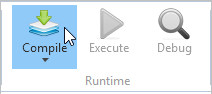
Compile the server module.