In this step you learn how to access shared properties and functions.
1. Locate the two test properties in your shared scripts file to see what they are:
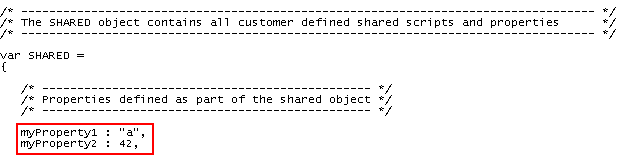
2. Open the RAMP script for the DisplayEmployee screen and add this code to the vHandle_ARRIVE function to display the values of the properties:
alert(SHARED.myProperty1 + " " + SHARED.myProperty2);
Your code will look like this:
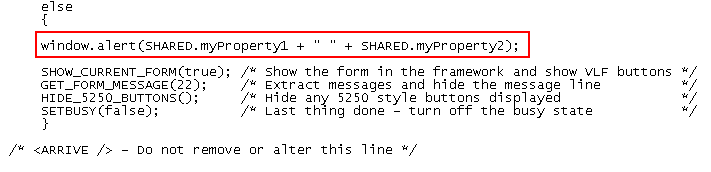
3. Commit changes, do a partial save and then display the details of an employee so as to execute the arrival script. You will see a message box like this appear:
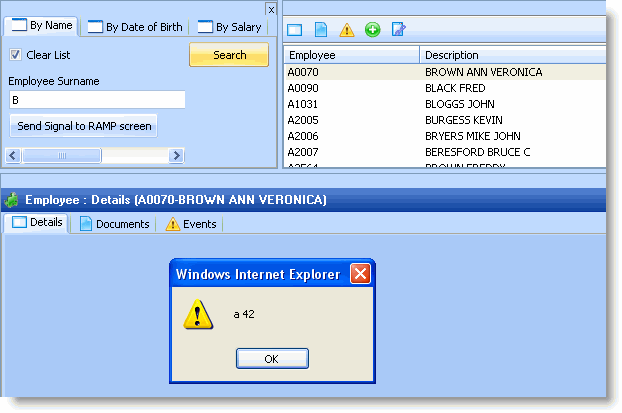
The message box is displaying the values of the properties SHARED.myProperty1 and SHARED.myProperty2.
4. Locate the test function Function1 in your shared scripts file to see what it does:

5. Now add this code to the arrival script:
SHARED.myFunction1("1",2,"3");
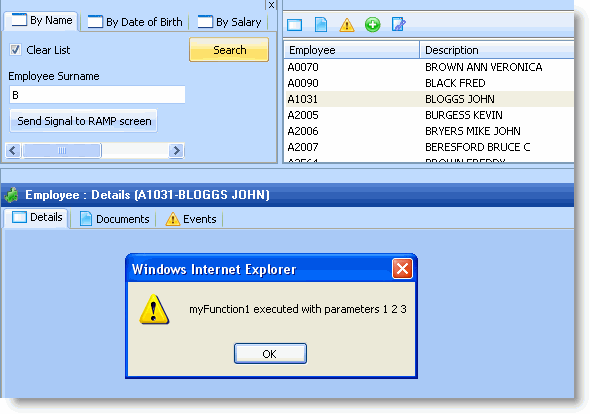
6. Commit changes, do a partial save and then display the details of another employee. You will see another message box appear like this, indicating you have executed function myFunction1 in the SHARED object:
7. Finally, add this code to your RAMP script:
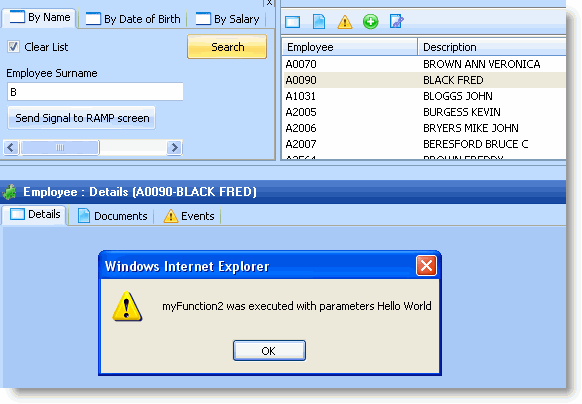
var sMessage = SHARED.myFunction2("Hello","World"); alert(sMessage);
You will see another message box appear like this:
You now know how to access shared properties and shared logic defined in the SHARED object.