To open an existing query to check its definition or to change it, you can:
- select it from the list on the File menu of the last four queries you have saved,
or
- select the Open command from the File Menu or use this
 toolbar icon to open the Open Query dialog box.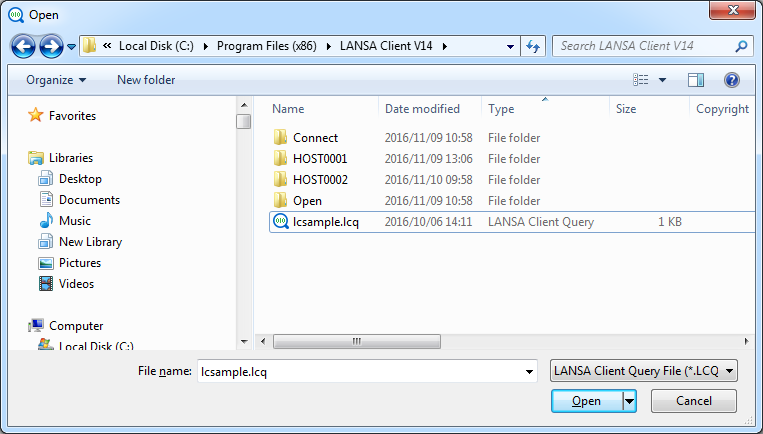
This dialog box displays a list of all the existing queries.
- From the list, select the query you wish to open.
- Select OK to open the Query Window for the selected query, otherwise press Cancel to escape.