To share your templates with other people, you will need to create a template package (which is basically a ZIP file containing the templates you want to share), and then get your Framework web administrator to upload the package to the Framework website.
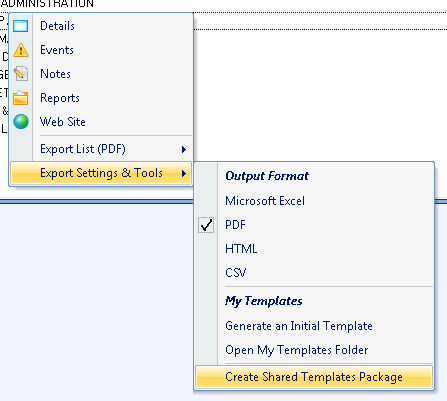
- Open the context menu, and then select Create Shared Templates Package.
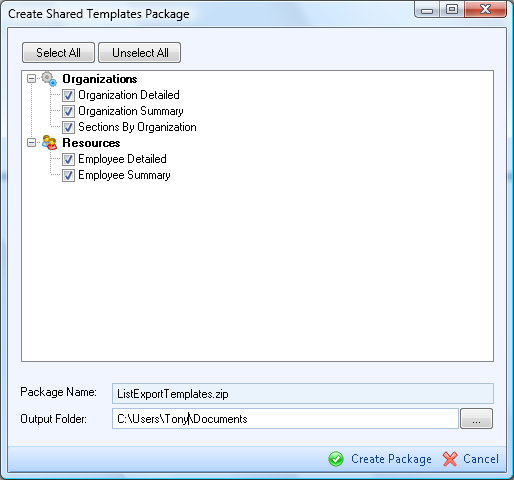
A dialog box will appear, showing you all your private templates. - Select the templates you want to share and the output folder under which the package should be created. Click on Create Package.
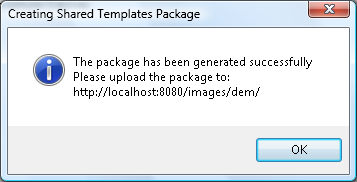
If everything is OK, a message similar to below will appear, and then a new Windows Explorer window will open showing the output folder. Upload the ListExportTemplates.zip file to your Framework website (ask your network/web administrator to do that if necessary).