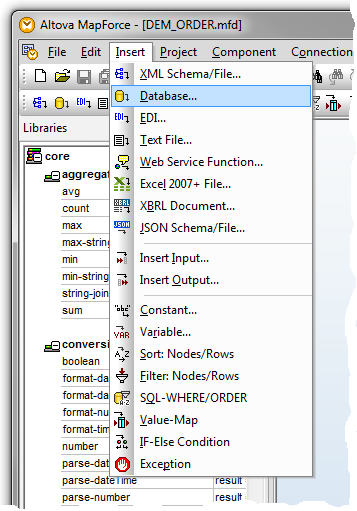
To insert a database component in the mapping tool, select the Database option from the Insert menu (or use the corresponding toolbar button) and complete the resulting dialogs to make your selection.
The dialogs to be completed depend on the type of database connection you insert and on choices you have made in previous sessions in the mapping tool. The following topics describe some of the most common and important dialogs and choices: