When you select the Add or Change button on the Maintain Websites (local) dialog box, the Add or Change Website <as requested> window is displayed.
If you wish to place the LANSA system on hold, select the Hold System option. A user is not able to access a LANSA system that is held.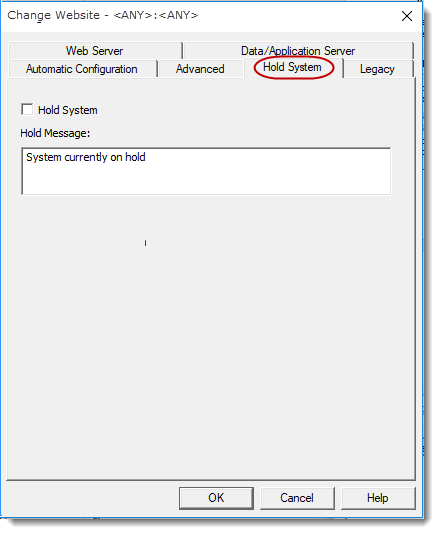
Hold System
Select this option to stop users accessing the Data/Application Server.
If Hold System is selected the message defined in Hold Message will be displayed.
Hold Message
Enter a message to display when the system is held.