To start the LANSA Composer design environment, select the LANSA Composer shortcut that was installed on your start menu. LANSA Composer displays the Connect to LANSA Composer server window.

Usually, you simply need to type your User name and Password, type or select the server with which you want to work (if more than one server is available to you), and click the Connect button. In some cases, you may need to enter additional connection attributes the first time you connect to your LANSA Composer server. Refer to Connect to LANSA Composer Server for more information about this window.
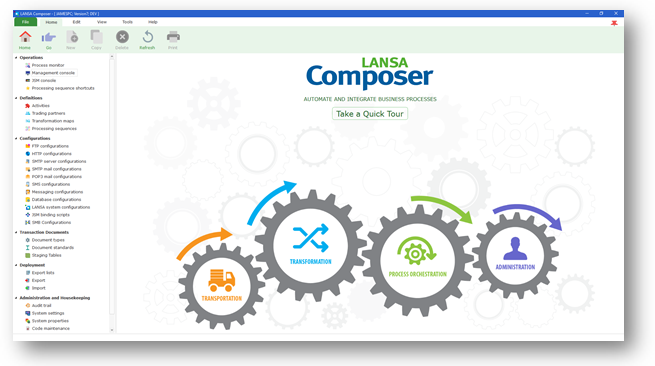
Once you have successfully connected, the LANSA Composer window is displayed.