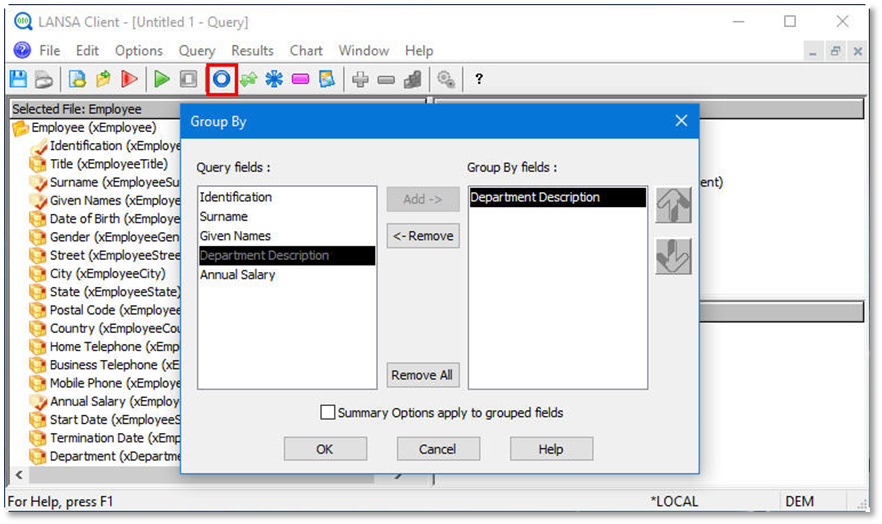
- From the toolbar select the Options menu and then choose the Group By… command.
Alternatively, you could select the Set the result grouping options icon from the toolbar.
 - Group your data by Department Description.
Do not yet apply summary options to your grouped fields. - Click the OK button to continue.