5. Executing Applications
To execute an application from within Visual LANSA, you compile it and then execute it using one of the following:
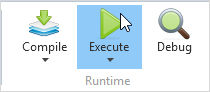
- the Execute command in the ribbon:
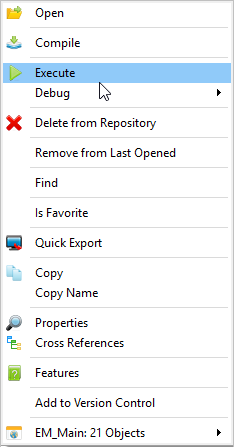
- the Execute option from a context menu in the Repository Tab or the Favorites Tab.
Use the drop-down menu to to display 5.6 Execute Options dialog for desktop applications: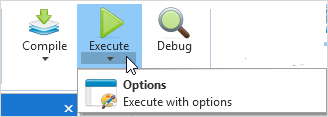
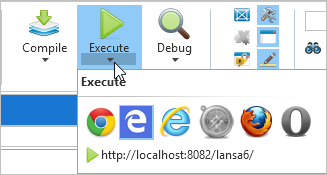
Or to choose the browser for web applications: