Objectives
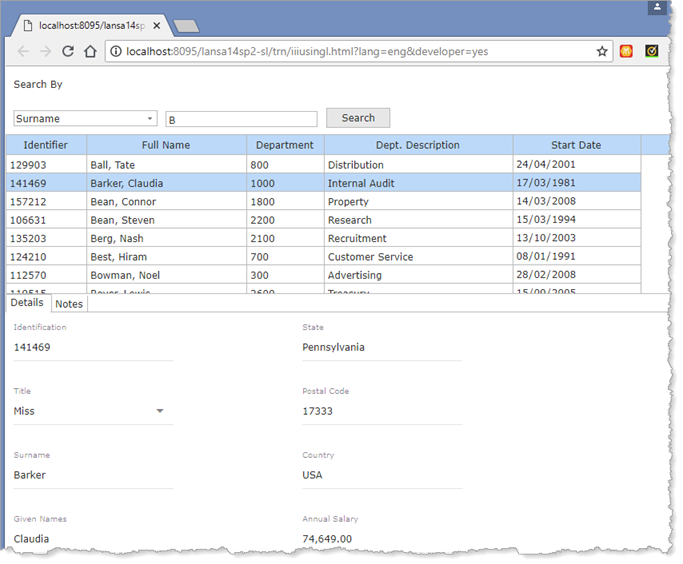
- To create a small application that searches the employee table by surname, by given name or by department.
- To demonstrate more examples of the SELECT command.
- To use a tab folder to display employee details and notes.
To achieve these objectives, you will complete the following:
Step 1. Create Using List Components Web Page
Step 2. Add a List for Employees
Step 4. Perform a Surname or Given Name Search
Step 5. Perform a Search by Department
Step 7. Complete the Notes Tab Sheet
Step 8. Create a Server Module for xEmployeeNotes
Step 9. Add Logic for Employee Notes
Before You Begin
Complete exercises WBF015A, WBF015B, WBF025, WBF035, WBF040 and WBF055A.